A client acquisition system is the connected path that takes a stranger from searching for what you do to a booked appointment in your calendar. It joins the parts most service businesses buy separately: the ads that bring people in, the website that convinces them, the booking step that secures a time, the follow-up by your team and the reporting that shows what each new client cost. The goal is simple: stop paying for clicks you cannot trace, and know what a booking costs you.
Why separate tools lose clients
Most service businesses build this path one piece at a time. An agency runs the ads, a designer built the site, a booking tool was added later and someone at the desk handles the rest. Each piece can work well on its own. The clients get lost in the gaps between them.
- The ad and the page do not match. Someone clicks an ad for one service and lands on a general home page. Now they have to work out the next step themselves.
- There is no way to book now. They are ready at 21:30, but all they find is a contact form or a phone nobody answers until morning. The next result has a Book now button.
- Enquiries go quiet. Leads arrive by phone, email and forms. Nobody is sure who replied to whom, and the new ones wait.
- Nobody can answer the money question. The agency reports clicks, the site shows visits and the calendar shows appointments. None of them tell you what a booked client cost.
That last gap is the expensive one. If you cannot see which ads lead to bookings, you can only judge them on clicks, and so can the ad platform.
The six parts of a client acquisition system
Whoever builds it, a working system has the same six parts.
1. A source of demand
You need people who are already looking for what you do. Paid search is the fastest route, because it reaches someone at the moment they search. SEO and AI search build up more slowly and keep working when you pause your ads. Many businesses end up using both.
2. A website with one job
The site has to answer three questions fast: do you do what I need, can I trust you and how do I book? Every page should lead to the same next step. Speed matters too, because you paid for this visit: a slow website wastes the click you just bought.
3. Booking on the spot
There is a big difference between requesting an appointment and booking one. A request form leaves the customer waiting for someone to confirm. Real booking shows free times and secures one right there. It needs your rules behind it: service lengths, gaps between visits, how much notice you need, and a final check so two people never get the same slot.
4. A place for your team to follow up
Not everyone books online, and some people need a call back. Your team needs one place that shows every person and where they stand: new, contacted, booked, came in. Phone bookings belong there too, or your numbers only tell half the story. New leads left waiting should be flagged, so nobody goes cold by accident. Calls that ring out are a leak of their own, which we cover in our guide to missed calls.
5. Reporting that ends in a booking
Clicks and visits are not the result. A useful report arrives every week and answers three questions: what did you spend, what came in and what did each booking cost?
6. A feedback loop to your ads
This is the part most setups miss. When someone clicks a Google ad, the click carries an ID that your site can keep with the booking. Later, you can send that booking back to Google Ads as a conversion. Google's Smart Bidding learns from conversion data and works with imported conversions, so your campaigns can start to favour the searches that become real bookings, not just the ones that fill in a form.
Two cautions apply in Europe. You need consent for this kind of measurement, so your cookie banner has to be set up properly. And clinics should send only the fact of a booking, never the treatment, because health details do not belong in ad platforms.
What it looks like in practice
Here is the whole path for a fictional dental clinic.
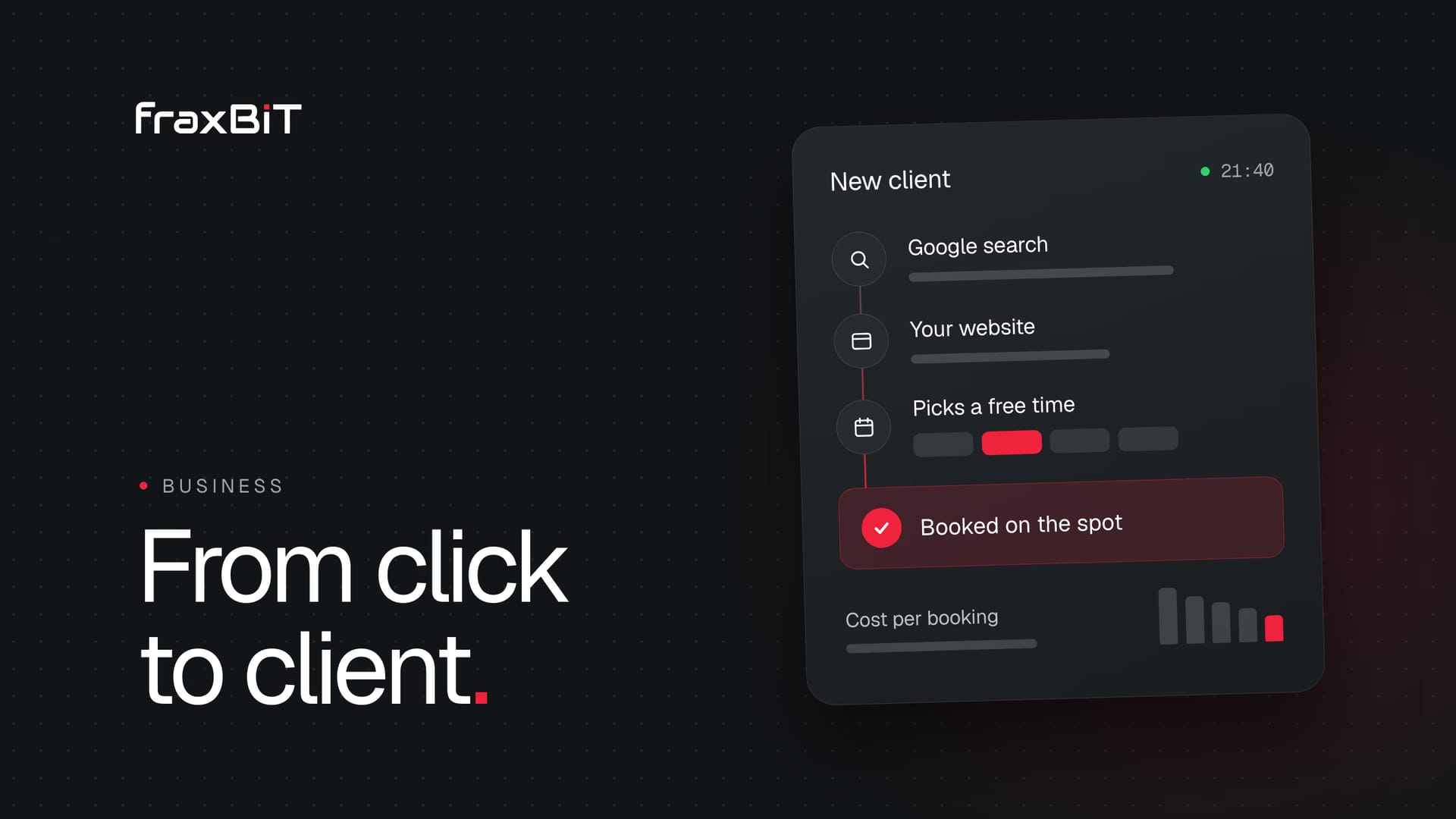
- Tuesday, 21:40. Someone with a chipped tooth searches for an emergency dentist nearby and clicks the clinic's ad.
- The page matches the search. It covers emergency visits and has one clear button.
- They book. They pick the service, a day and a free time. It takes about a minute, and the time is theirs.
- Wednesday, 8:00. The front desk opens the inbox and finds one card with the name, the visit and where the person came from. The time is already blocked in the calendar.
- They come in. The desk updates the card, so it moves from booked to came in.
- Monday. The owner's report shows the spend, the bookings and the cost of each one. Google Ads gets the booking back and learns from it.
Nobody had to phone anyone back, and nobody has to guess which ad worked.
How it differs from booking software, an agency or a CRM
| Booking software | Marketing agency | Client acquisition system | |
|---|---|---|---|
| Brings in new people | No | Yes | Yes |
| Website built around booking | No | Sometimes | Yes |
| Customers pick a real time | Yes | No | Yes |
| One inbox for your team | Sometimes | No | Yes |
| Shows the cost of each booking | No | Sometimes | Yes |
| Ads learn from real bookings | No | Sometimes | Yes |
| Run for you | No | Ads only | Yes |
Each one has its place. Booking software is enough if demand is already steady and you only need a calendar. An agency is enough if your site and booking already work and it can see your booking numbers. A CRM is different again: it organises the people you already know, but it does not bring new ones in or let them book. A client acquisition system earns its place when the gaps between those tools are the real problem.
The number to watch: cost per booking
Cost per booking is your ad spend divided by the bookings it brought in. With made-up round numbers, €1,000 of ad spend in a month and 20 bookings means €50 per booking. Compare that with what a new client is worth to you, and you know whether the ads are paying off.
The same numbers show you where to look when the cost is too high:
- Few clicks. Look at your campaigns, your budget and the searches you target.
- Plenty of clicks, few enquiries. Look at the landing page and the offer.
- Plenty of enquiries, few bookings. Look at the booking step and how fast your team replies.
- Plenty of bookings, few visits. Look at how far ahead people book and how you remind them.
Do you need one?
A client acquisition system suits any service business that runs on bookings: dentists, clinics, salons, vets, electricians, contractors and more. These are the signs:
- You pay for ads but cannot say what a booked client cost
- Customers can request a time, but not pick one
- Enquiries that arrive in the evening wait until morning
- Leads are spread across phone, email and messages
- Your ads, website and booking come from suppliers who do not share numbers
You probably do not need one if referrals already keep your calendar full, or if you sell products rather than appointments.
What to ask before you buy one
- Who owns the ad account? It should be yours, so your history stays with you.
- Is booking live? Customers should see real free times and be booked on the spot, not send a request.
- Do phone bookings land in the same place? If they do not, your numbers will be wrong.
- What does the report end with? Look for cost per booking, not just clicks and impressions.
- What do you guarantee? Be careful with anyone who guarantees a number of clients, because nobody controls that. A provider can guarantee what it does control: a launch date, booking that works and clear numbers.
- How is the data handled? Each business's data should be kept apart, staff should see only what they need and a clinic's system should hold no more than it takes to run the calendar.
How Booked does it
Booked is the client acquisition system we designed, built and run at fraxBIT. It is one package from one team, for one monthly fee:
- Google Ads, set up and run for you in your own account
- A custom website on your domain, designed around one goal, a booking, with unlimited design revisions
- A booking system with online booking, a calendar and an inbox for your team
- Weekly reports every Monday, checked by a person at fraxBIT: what you spent, what came in and what each booking cost
You go live in 7 days, in stages. Your site, booking and ads are running by day 3, your team moves into the app by day 7, and the final design replaces the first version in weeks 2 and 3.
We guarantee that you are live in 7 days, that booking works and that every Monday you see what each visit cost. We do not guarantee customers. The price is a one-time setup plus a monthly fee that covers the system, hosting and design changes, and we are opening Booked to our first clients now.
Close the gaps, then measure
Ads, a website and a calendar only become a system once they are connected and measured together. Start with one question: do you know what your last booked client cost you? If you do not, that is the gap to close first.
See how Booked works, or talk to us about your setup.
Sources
- 01Manage offline conversionsGoogle Ads API documentation
- 02Offline conversion imports FAQsGoogle Ads Help
- 03About Smart Bidding learningGoogle Ads Help
- 04Obtain user consentGoogle Ads Help
 Furdui Alex-George