The cookie banner is the first thing most visitors see on your website, and on a surprising number of sites it is also the first thing that breaks the law. Regulators across Europe have spent years publishing guidance and issuing fines over banners designed to push people into clicking "Accept". The rules are now clear enough to design to.
This guide explains what an EU-compliant cookie banner looks like, the patterns regulators reject, what Google's Consent Mode changes, and where the proposed Digital Omnibus reform stands in October 2026.
Which rules apply
Two sets of rules work together:
- The ePrivacy Directive (Article 5(3)) says that storing or reading information on a visitor's device needs consent, unless it is strictly necessary for the service the visitor asked for. This covers cookies, local storage, pixels and fingerprinting.
- GDPR defines what valid consent is: freely given, specific, informed and unambiguous, given by a clear affirmative action, and as easy to withdraw as to give.
Each EU country applies the ePrivacy Directive through its own law, which is why guidance from the French CNIL, the German authorities or the Romanian ANSPDCP can differ in detail.
Which cookies need consent?
No consent needed (strictly necessary):
- Shopping cart and checkout session
- Login session and security tokens
- Load balancing
- Remembering the visitor's cookie choice itself
- Form spam protection, when it is needed for the form to work
Consent needed:
- Analytics (Google Analytics and most third-party tools)
- Advertising and retargeting pixels (Meta, TikTok, Google Ads, LinkedIn)
- Social media embeds that set tracking cookies
- A/B testing and heatmap tools
- Most chat widgets that track visitors across pages
Some regulators, including the CNIL in France, accept certain privacy-friendly audience measurement without consent if it is strictly limited, first-party and anonymous. This varies by country, so do not assume it applies everywhere.
What a compliant banner looks like
Based on the GDPR consent rules, the 2023 report of the European Data Protection Board's cookie banner taskforce and national guidance, a compliant banner has these features:
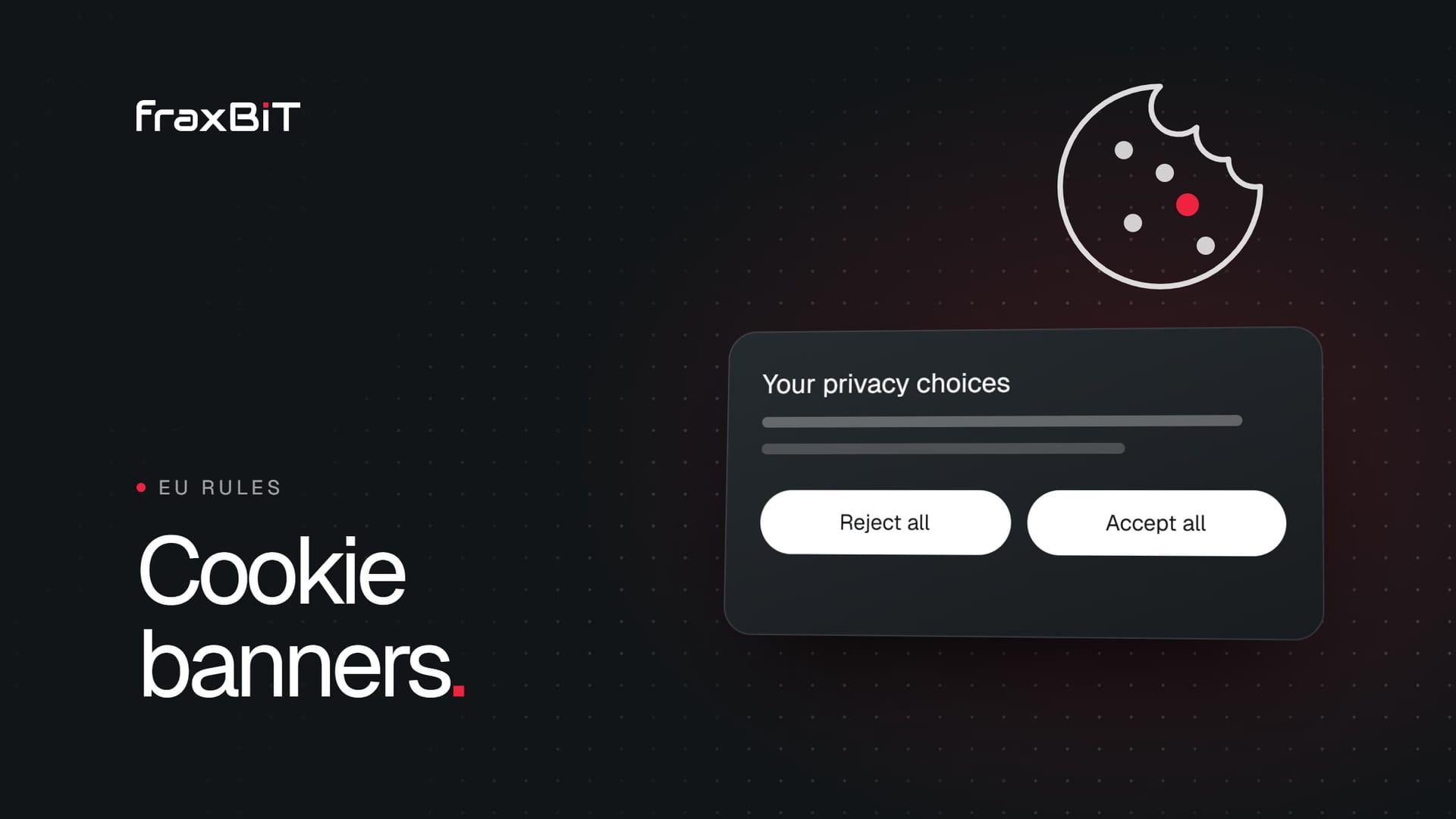
- A reject option on the first layer. "Reject all" sits next to "Accept all", not hidden behind "Settings".
- Equal weight. Accept and reject buttons have the same size, colour treatment and prominence. A bright "Accept" next to a grey text link "Reject" is the classic dark pattern.
- Nothing pre-ticked. Optional categories start switched off. The EU Court of Justice confirmed in the Planet49 case (2019) that pre-ticked boxes are not valid consent.
- No tracking before a choice. Scripts that need consent do not load until the visitor accepts. Closing the banner or scrolling is not consent.
- Clear, specific language. Say what each category does and name the main providers. Link to the cookie or privacy policy.
- Granular choices. Visitors can accept analytics but refuse advertising.
- Easy to change later. A footer link such as "Cookie settings" reopens the banner at any time, and withdrawing is as easy as consenting.
- No cookie walls that block the site entirely unless visitors accept. Most regulators treat this as not freely given, with narrow exceptions.
- Accessible. The banner works with a keyboard and a screen reader, which also matters under the European Accessibility Act.
The patterns regulators reject
These designs come up again and again in enforcement decisions:
- Accept is a button, reject is a link or sits on a second screen
- "Legitimate interest" toggles switched on by default for advertising purposes
- Wording like "We value your privacy" with no real choice
- Banners that reappear on every page after a refusal
- A banner that says "by continuing to browse you accept cookies"
- Colours or contrast that make the reject option hard to see
- Consent that is "remembered" but tags that fire anyway
In January 2022 the CNIL fined Google €150 million and Facebook €60 million because refusing cookies took several clicks while accepting took one. Since then, the "reject as easy as accept" principle has been treated as settled across Europe.
Google Consent Mode v2
If you use Google Analytics or Google Ads with visitors in the European Economic Area, Google requires Consent Mode v2 for measurement and remarketing features since March 2024. Consent Mode passes the visitor's choice to Google tags, so they adjust their behaviour.
Two things to know:
- Consent Mode does not replace the banner. You still need a compliant consent tool. Consent Mode only tells Google tags what the visitor decided.
- "Advanced" mode sends cookieless pings even before consent, which Google uses for modelling. Some regulators and lawyers consider this risky under ePrivacy. "Basic" mode loads nothing until consent. Discuss the choice with your legal adviser rather than leaving it at the default.
The same logic applies to Meta, TikTok and LinkedIn pixels: they should load only after consent for advertising. Server-side tracking such as the Meta Conversions API does not remove the need for a legal basis either.
The Digital Omnibus: what may change
In November 2025 the European Commission proposed a "Digital Omnibus" package that would move cookie rules into GDPR, allow some low-risk uses without consent, and push browsers to send consent choices automatically so that banners appear less often.
In October 2026 that part of the package is still a proposal and has stalled: the Parliament has not finished its first reading, and the member states have not agreed a common position. Recent drafts from the member states have dropped the browser-signal idea, but they keep the core principle that refusing must be as easy as accepting.
So for now, nothing has changed. The current ePrivacy and GDPR rules apply, and any reform will need time to be adopted and to apply. A banner built to today's standard will not be wasted work, because "reject as easy as accept" is the one rule every version of the reform keeps.
How to test your banner in ten minutes
- Open your site in a private browser window.
- Before clicking anything, open the developer tools (Network and Application tabs).
- Check whether any requests go to google-analytics.com, googletagmanager.com, facebook.net, tiktok.com or similar, and whether any non-essential cookies appear.
- Click "Reject all". Reload and browse two or three pages. Tracking requests should still be absent.
- Look at the banner on a phone: is the reject option visible without scrolling, and the same size as accept?
- Find the footer link to change your choice and check that it works.
If tracking fires before a choice or after a refusal, the problem is usually in your tag manager setup, not the banner tool itself.
Does a compliant banner hurt your marketing?
A fair banner lowers the share of visitors you can track, there is no way around that. But the data you do collect is lawful, ad platforms model the gaps when Consent Mode and server-side events are set up properly, and you avoid building your marketing on data you may later have to delete. A clean, well-designed banner also says something about your brand before the visitor reads a single headline.
How we set it up
On the sites we build, every tag is blocked until consent, Consent Mode and server-side events are configured together, and the banner is designed to match the site rather than a generic pop-up. If you run ads, our paid ads service includes this tracking setup as a standard step. For the rest of the privacy picture, see our GDPR website checklist.
Sources
- 01Directive 2002/58/EC (ePrivacy Directive)EUR-Lex, Official Journal of the EU
- 02Regulation (EU) 2016/679 (General Data Protection Regulation)EUR-Lex, Official Journal of the EU
- 03Judgment of 1 October 2019, Planet49, C-673/17Court of Justice of the European Union
- 04Report of the work undertaken by the Cookie Banner TaskforceEuropean Data Protection Board
- 05Cookies: the CNIL fines Google a total of 150 million euros and Facebook 60 million eurosCNIL (French data protection authority)
- 06Guidelines 05/2020 on consent under Regulation 2016/679European Data Protection Board
- 07Consent mode overviewGoogle for Developers

 Furdui Alex-George