A clinic website handles a kind of data that GDPR treats with extra care. The moment a patient types a symptom into a form, books a dermatology appointment or browses a page about fertility treatment while an ad pixel is running, your website may be processing health data. That puts clinics, hospitals, dental practices and therapists in the strictest part of data protection law, often without anyone in the practice realising it.
This guide covers where health data appears on a typical clinic website, the rules that apply, and how to design forms, booking and marketing so that patients can trust you and regulators have nothing to find.
Why health data is different
GDPR calls health data a "special category" (Article 9). Processing it is forbidden unless one of a short list of conditions applies, for example:
- The patient's explicit consent
- The processing is necessary for medical diagnosis, treatment or the management of healthcare, under the responsibility of a professional bound by secrecy
- Reasons of public interest in public health
Health data is also broader than medical records. Information that reveals something about a person's physical or mental health counts: a booking for a specific specialist, a question about symptoms, a prescription renewal request, and in some cases even the fact that a person visited a page about a sensitive condition, if it is linked to them.
For a clinic, this usually means you need to carry out a data protection impact assessment (DPIA) when you process health data at scale or use new technology, and in many cases appoint a data protection officer.
Where health data hides on a clinic website
Contact and enquiry forms
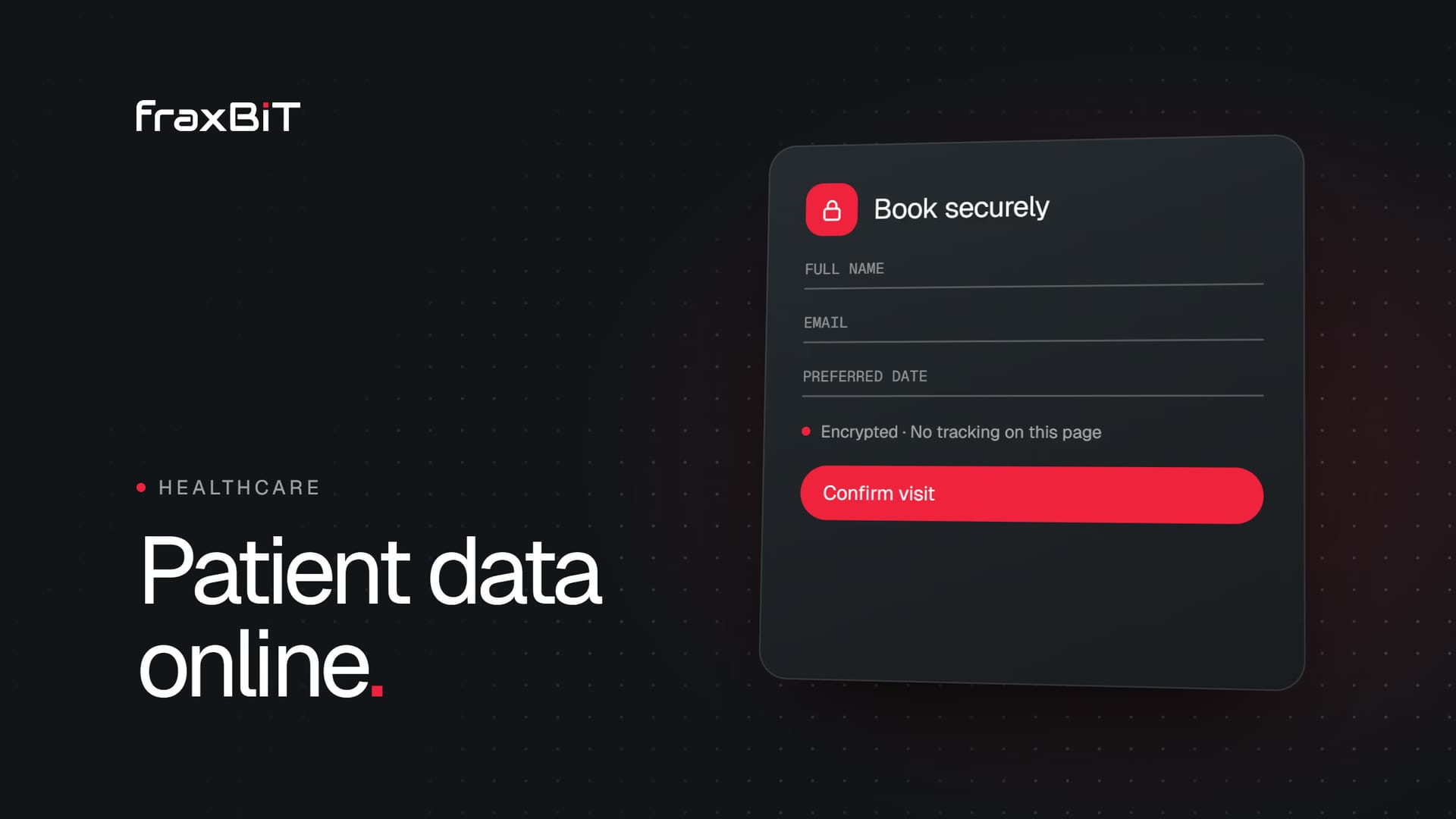
The classic problem is a general contact form with an open "Message" field. Patients will describe their symptoms there, because that is what people do. That message then travels by plain email to a shared inbox, sits in a mailbox for years and may be forwarded around.
Better:
- Keep the general contact form for non-clinical questions, and say so next to the field: "Please do not include medical details here."
- Route clinical questions to a secure patient portal or booking system, not to email.
- If a form must collect medical information (a referral or intake form), treat it as a clinical system: encrypted transport and storage, access limited to the clinical team, and a clear retention period.
Online booking
A booking reveals the patient's identity and often the type of care. Choose a booking provider that:
- Signs a data processing agreement with you
- Hosts data in the EU or has a lawful transfer mechanism
- Supports access controls and audit logs
- Lets you configure retention and deletion
Ask about all of these before you sign, not after.
Tracking pixels and analytics
This is where clinics get into the most trouble. An advertising pixel on a booking confirmation page can tell an ad platform that a specific person booked an appointment with a psychiatrist or an STI clinic. In the United States, hospitals have faced regulatory action and lawsuits over exactly this. In Europe, the same flow raises GDPR questions about special category data and consent.
Practical rules:
- No advertising pixels on booking, intake, results or patient portal pages. Keep ad tracking to general marketing pages, and only after consent.
- Do not send condition-specific events (such as "booked_ivf_consultation") to ad platforms.
- Prefer privacy-friendly, first-party analytics on the clinical parts of the site.
- Make sure nothing fires before cookie consent, as explained in our guide to EU cookie banner rules.
Chat widgets and AI assistants
Patients will type symptoms into any chat box. If you use a chatbot or an AI assistant, configure it so that it does not ask for or store clinical details unnecessarily, clearly states that it is an AI and not a doctor, and hands medical questions to staff or the booking system. Since August 2026 the EU AI Act also requires that people are told when they are talking to an AI. See our EU AI Act guide and our guide to AI chatbots under GDPR.
Patient testimonials and photos
Before-and-after photos and patient stories are health data about identifiable people. They need the patient's explicit, documented consent for that specific use, and the patient must be able to withdraw it. Many countries also restrict testimonials in healthcare advertising, so check the rules of your professional body.
Security that matches the data
For pages and systems that touch health data:
- HTTPS everywhere, with a modern configuration
- Encryption of data in storage, including backups
- Role-based access, so receptionists, doctors and marketing see only what they need
- Two-factor authentication on every admin and clinical account
- Audit logs that show who viewed or changed patient data
- Regular updates of the CMS, plugins and server, or a stack with fewer moving parts
- A tested plan for incidents: GDPR requires notifying the authority within 72 hours of a qualifying breach
Transparency: the privacy notice
Patients must be told how their data is used. A clinic privacy notice should cover, in plain language:
- Who the controller is (and the DPO's contact)
- What you collect through the website, booking, chat and forms
- The legal basis for each, including the Article 9 condition for health data
- Which providers process data for you (booking, hosting, email, analytics)
- Where data is stored and any transfers outside the EU
- How long you keep it
- The patient's rights and how to exercise them, including the right to complain to the supervisory authority
Link it next to every form and in the booking flow, not only in the footer.
Retention
Medical records often have long legal retention periods set by national law. Website data is different: an unanswered enquiry, an abandoned booking or a chatbot transcript does not need to be kept for years. Set short retention periods for website data and keep clinical records only in the systems built for them.
A checklist for your clinic website
- Map every place the site collects data: forms, booking, chat, analytics, pixels, embeds.
- Mark which of them could contain health data.
- Move clinical information out of email and into a secure system.
- Remove ad pixels from booking, intake and portal pages.
- Block all tracking until consent.
- Sign DPAs with every provider and check where they host data.
- Make chatbots disclose that they are AI and route medical questions to people.
- Get documented consent for every testimonial and patient photo.
- Rewrite the privacy notice for patients, in plain language.
- Run or update your DPIA, and review it whenever the website changes.
Good privacy is good marketing
Patients are choosing who to trust with their health. A clinic website that explains how their data is protected, keeps forms short and does not follow them around the internet with ads after a sensitive visit is simply more credible. Privacy fits naturally next to the other trust signals we cover in our healthcare clinic website guide.
How we build healthcare websites
We design and build clinic and hospital websites with privacy as part of the architecture: clinical flows separated from marketing pages, tracking scoped and consent-based, secure booking integrations and patient-friendly privacy notices. See our healthcare website design page or contact us to review your current site.
Sources
- 01Regulation (EU) 2016/679 (General Data Protection Regulation)EUR-Lex, Official Journal of the EU
- 02Guidelines on Data Protection Impact Assessment (WP248 rev.01)Article 29 Working Party, endorsed by the EDPB
- 03Guidelines 05/2020 on consent under Regulation 2016/679European Data Protection Board
- 04National Supervisory Authority for Personal Data Processing (ANSPDCP)Romanian data protection authority
 Furdui Alex-George