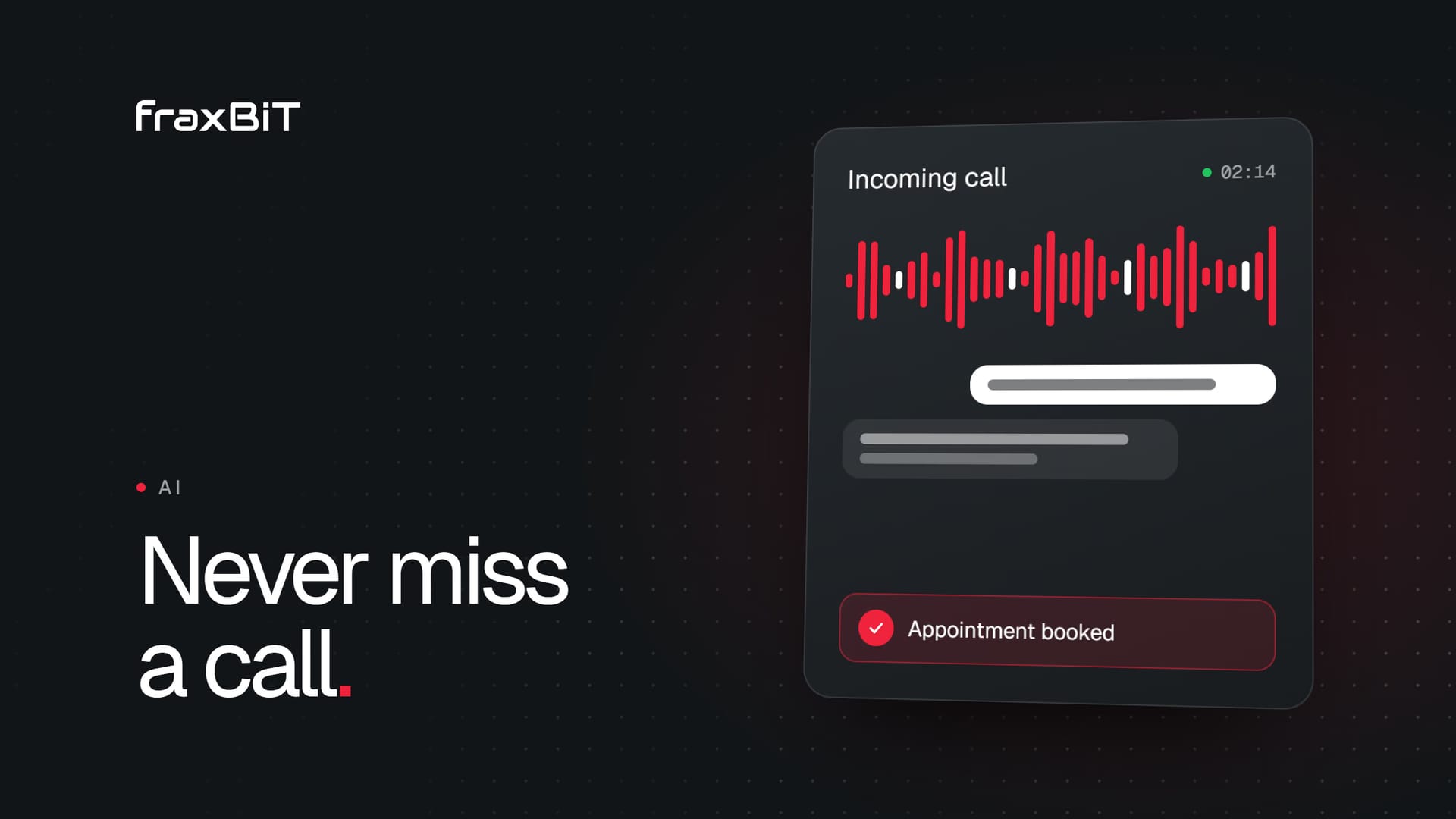
An AI receptionist answers the calls your team cannot: after hours, when the line is busy and when nobody picks up. It speaks to the caller, answers common questions, books appointments into the rules you approve, captures the details of every request and escalates anything urgent to a person. For a small business, that means fewer callers lost to voicemail and a clear log of every call your team would otherwise have missed.
Why calls go unanswered
Missed calls are rarely a sign of a lazy team. They are a side effect of how small businesses work.
- After hours. People call when they have a problem or a free moment: evenings, early mornings, weekends. A burst pipe at midnight does not wait for opening time.
- The line is busy. The receptionist is already on a call, and the next caller hears a ringing phone or a busy tone.
- A small team doing real work. The dentist is with a patient, the lawyer is in a meeting, the roofer is on a roof. Answering the phone competes with the job itself.
- Lunch, holidays and sick days. Coverage gaps happen even in well-run offices.
Every one of those calls is a person with a need, and many of them will simply call the next business on the list. You never see them in your figures, because a missed call leaves no trace beyond a number in the call log.
What an AI phone receptionist does
A good AI receptionist is not a phone menu and not a chatbot reading a script. It holds a natural spoken conversation, then does something useful with it. In practice, its job breaks down into six tasks.
- Answers on the first ring. No hold music, no "press 1". The caller is greeted, told they are speaking to a virtual assistant and asked how it can help.
- Qualifies the request. It finds out what the caller needs, how urgent it is, and the details your team would ask for: service, location, preferred time.
- Books into approved flows. For requests you have defined, it offers real openings from your calendar, confirms with the caller and creates the appointment.
- Captures the lead. When booking is not the right step, it records the name, number, urgency and intent, then notifies the right person.
- Escalates emergencies. Anything you define as urgent, such as a dental emergency or a water leak, goes to your on-call person or triggers a callback.
- Logs a summary. Every answered call lands in a dashboard with a transcript and a short summary, so your team starts the morning knowing exactly what came in.
This is how Fraxbot, fraxBIT's AI receptionist, works: it picks up after hours, when the line is busy or when nobody answers, and every answered call is logged.
What an AI receptionist should not do
The limits matter as much as the features. A well-configured AI receptionist should never:
- Pretend to be human. Callers should know from the first sentence that they are talking to an AI.
- Guess. If the answer is not in its approved knowledge, it should say so and arrange a callback, not invent prices, availability or advice.
- Give professional advice. No diagnoses for a clinic, no legal opinions for a law firm, no binding quotes for a trade business unless you have defined them.
- Over-promise. It should not commit your team to times, prices or outcomes you have not approved.
- Trap the caller. Anyone who needs a person should be able to reach one, or get a callback booked.
Fraxbot is built around these rules. For law firms, for example, it collects intake and books callbacks, and it never gives legal advice. When it cannot help, it transfers to a human or logs a callback.
Which businesses benefit most
Any business where a missed call means a missed client is a candidate. The pattern is strongest where calls are urgent, valuable or arrive outside office hours.
| Business | Typical missed calls | What the AI receptionist handles |
|---|---|---|
| Clinics | Evening and weekend appointment requests | Booking, FAQs, routing urgent cases |
| Dental practices | Emergencies, new patient enquiries | Triage, booking, emergency escalation |
| Law firms | New clients calling while lawyers are busy | Intake details and callback bookings |
| Trades and home services | Leaks, breakdowns, quote requests | Job qualification, address capture, visit booking |
| Real estate | Buyers calling about listings after work | Lead capture, viewing requests, routing to the agent |
If your website already brings in calls, an AI receptionist protects that investment. A well-built clinic website or dental website can drive enquiries all day. It only pays off if someone answers.
How to set it up well
The technology is the easy part. What makes an AI receptionist good or bad is the setup: what it knows, what it is allowed to do and when it hands over.
Start with how your customers actually call
List the most common reasons people call: booking, prices, hours, location, emergencies, rescheduling. Note what your best receptionist asks in each case. That becomes the conversation design.
Write the knowledge base from real answers
Your FAQs, price list, services, opening hours and policies. Keep answers short and specific. If a price depends on an assessment, say that, and have the AI book the assessment.
Set clear booking rules
Decide which appointments the AI may book directly, which slots it can offer and which requests always go to a human. Start with one or two approved flows and expand once you trust them.
Define the handoff to humans
What counts as an emergency? Who is on call, and how are they reached? When should the AI book a callback instead of transferring? Write it down. Clear escalation rules are the difference between helpful and risky.
Disclose that it is AI
Every call should open by saying it is a virtual assistant. It is honest, callers handle it well when the assistant is genuinely useful, and it keeps you on the right side of the rules in many markets. Fraxbot does this on every call.
Keep your number and your team
You should not need a new phone number or a new way of working. With call forwarding rules, your team answers as today, and the AI only picks up after hours, when the line is busy or when nobody answers.
Test with real calls before launch
Call it yourself. Ask awkward questions. Try to book outside your hours. Then review the transcripts from the first weeks and tune the answers.
Setup checklist
- Top 10 reasons customers call, with the ideal answer for each
- Price list and services, with what can and cannot be quoted by phone
- Opening hours, location and policies
- Booking rules: which services, which slots, how far ahead
- Emergency definition and on-call contact
- Handoff rules: transfer, callback or message
- AI disclosure line at the start of every call
- Call forwarding for after hours, busy and no answer
- Confirmation messages by SMS or email
- Data retention and recording settings agreed
- Test calls approved before launch
How to judge results
Do not judge an AI receptionist on vague promises. Judge it on what it logged.
- Answered calls. How many calls did it pick up that would otherwise have gone to voicemail or rung out?
- Bookings. How many appointments did it create in your approved flows?
- Lead quality. Were the captured details complete and accurate enough for your team to act on?
- Escalations. Did urgent calls reach the right person quickly?
- Transcript review. Where did callers get stuck, and which answers need improving?
Be wary of anyone who guarantees a number of bookings or a figure of recovered revenue. Call volume depends on your business, not the software. Fraxbot's pilot, for example, explicitly does not promise a minimum number of calls or bookings, and states that exceptions escalate to your team rather than claiming perfection.
AI receptionist vs. voicemail vs. call center
| Voicemail | Call center | AI receptionist | |
|---|---|---|---|
| Answers live | No | Yes | Yes, on the first ring |
| After hours | Records a message | Depends on the contract | Yes, around the clock |
| Books appointments | No | Sometimes | Yes, in your approved flows |
| Knows your prices and FAQs | No | Partly, from a script | Yes, from your knowledge base |
| Escalates emergencies | No | Usually | Yes, by your rules |
| Logs every call with a transcript | No | Varies | Yes |
| Languages | Your greeting only | Depends on staffing | Many, depending on the product |
Voicemail asks the caller to do the work, and many simply hang up. A call center adds people, but usually with less knowledge of your business and a cost that grows with each agent. An AI receptionist sits in between: it answers live, knows your specific answers and books directly, while your team stays in charge of everything that needs a human.
Fraxbot: fraxBIT's AI receptionist
Fraxbot is the AI receptionist we build and run at fraxBIT. It covers after hours and overflow, or acts as your full-time front line, at the same price.
- From €349/month plus a €900 one-time setup, with 350 minutes included, then €0.35/min
- Keeps your number and your team, through simple call forwarding
- AI disclosed on every call, and cancel anytime
- Books into your calendar (Google Calendar and Cal.com), with SMS confirmations
- Speaks 10+ languages with native voice and speech recognition
- One dashboard with every call, transcript and booking, plus a weekly report
- GDPR-ready: retention you control, recordings off by default
We do the setup: a 30-minute call about your business, then we write the knowledge base, design the conversation, set booking and escalation rules, connect your number and calendar, and test with real calls. You are typically live within days. For setups beyond one number and one language, such as multiple locations or CRM integrations, there is Fraxbot Custom, and our AI integration work covers more bespoke builds.
Stop losing callers to voicemail
Every unanswered call is a client deciding whether to try again or try someone else. An AI receptionist will not replace a great front desk, but it can make sure nobody hits a dead end when your team is busy or closed.
If you want to hear how it would sound for your business, book a Fraxbot demo. If you are reviewing your whole enquiry flow, from website to phone, get in touch and we will look at it with you.
Keep reading
SEO & AI Search8 min read
How to get your business recommended by ChatGPT and AI search
AI assistants search the web live before they recommend a business. Here is how they choose sources and what makes your site easy to find, trust and cite.
Read article
Business8 min read
How much does a professional website cost? A 2027 guide
Website prices range from around a thousand euros to six figures. Here is what drives the cost, what each tier gets you and how to compare quotes with confidence.
Read article