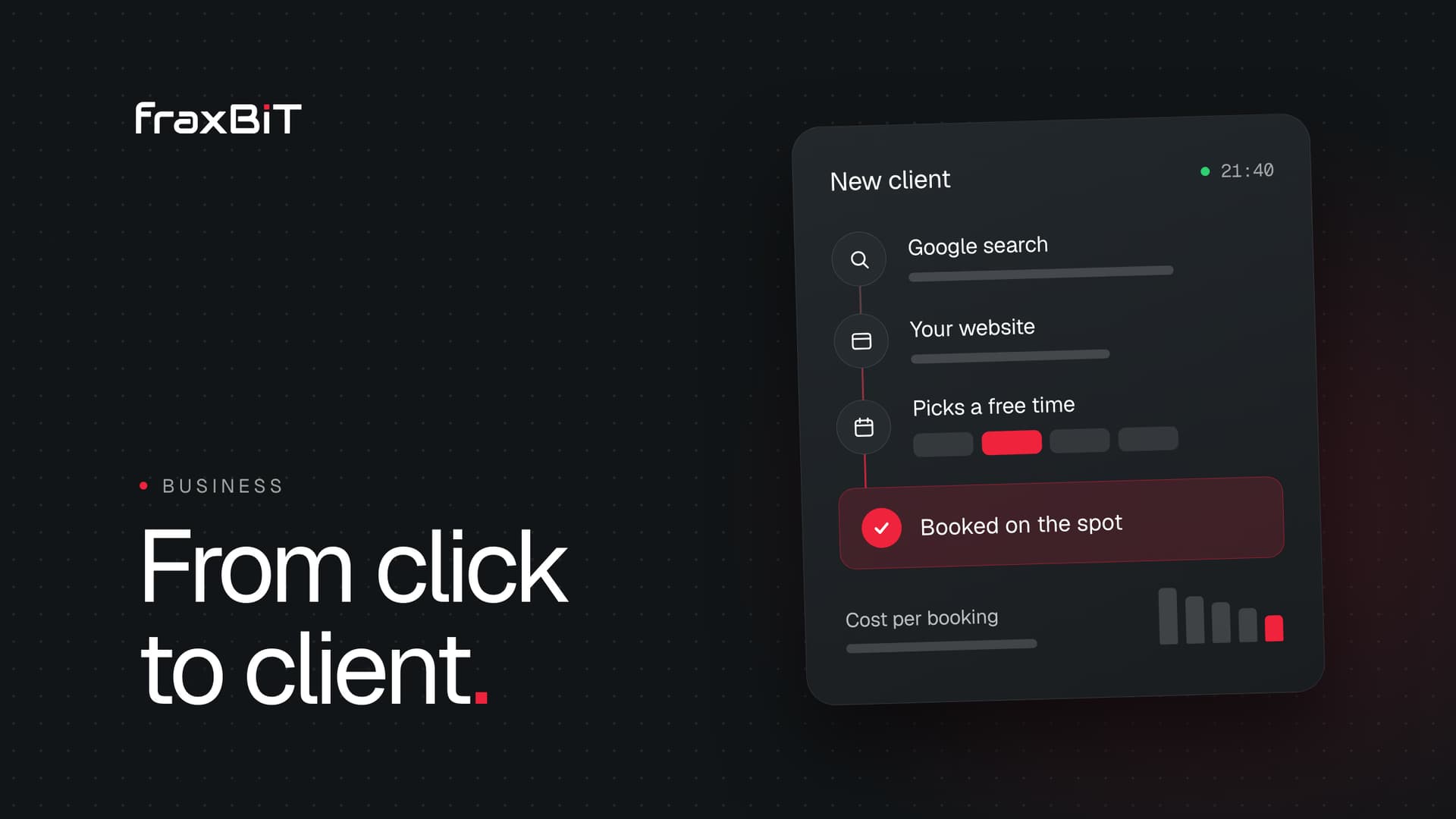
A dental clinic gets more new patients online when the whole path works: a patient searches on a phone, compares a few clinics on Google Maps, opens one or two websites and books with the clinic that makes it easiest. To win more of those patients you need a complete Google Business Profile, honest reviews, a website with one page per treatment and online booking, Google Ads for the treatments that matter most, and a way to see which of these brought each booked patient.
Booking online is already normal. According to Eurostat, 40% of people in the EU aged 16 to 74 booked an appointment with a practitioner through a website in 2024 (in the three months before the survey), up from 21% in 2020. In 2025, 60% looked for health information online. For more patients every year, a clinic that only takes bookings by phone is one step harder to choose than the one next to it.
This guide goes through each step in the order a patient meets it, with what to fix first.
How patients choose a dentist online
Not every dental search is the same. Patients arrive in one of three moods, and each needs a different page and a different next step.
| Search | What the patient wants | What your site should show first |
|---|---|---|
| Urgent: toothache, broken tooth, swelling | Someone who can see them today | A phone number to tap, today's hours, emergency slots |
| Routine: check-up, cleaning, children's visit | A good clinic nearby with a free slot | Location, prices or price ranges, booking in two taps |
| Considered: implants, aligners, veneers, whitening | Proof, prices and someone they trust | A full treatment page, the dentist who does it, the FAQ |
The considered treatments are where most clinics win or lose revenue. A patient comparing implant clinics can take weeks and read several websites before booking a consultation. The urgent patient decides in minutes. One generic "Services" page cannot serve both.
1. Make your Google Business Profile do the first sale
For most local searches, the first thing a patient sees is not your website but the map results. Google says local results are based mainly on three things: relevance (how well your profile matches the search), distance (how far you are from the person searching) and prominence (how well known your clinic is, which includes reviews). You cannot move your clinic, but you control the other two.
- Categories. Choose "Dentist" or "Dental clinic" as the primary category, and add more specific ones only when they are true, such as an orthodontist on the team.
- Hours. Keep regular hours and holiday hours current. Wrong hours send an urgent patient to a closed door, and they will not come back.
- Booking link. Business Profiles can carry a booking link. Point it at your own booking page, so the patient lands where they can choose a time.
- Services. List the treatments you offer with the same names you use on your website.
- Photos. Show the real reception, treatment rooms and team. Patients use them to judge whether the clinic feels clean, modern and calm.
- Name, address and phone. Use exactly the same details on your profile, your website and any directories you appear in.
2. Ask for reviews the honest way
Reviews feed prominence, and patients read them before they book. The way to get more of them is simple: ask every patient, at the same moment, with a direct link. A short message after the visit, with the link to your profile, is the easiest way to do it.
Two rules matter here. Google's review policy does not allow businesses to offer incentives for reviews, such as a discount on the next cleaning, and it does not allow selectively asking only happy patients. Reviews obtained that way can be removed. EU consumer law is stricter still: since the Omnibus Directive applied from 28 May 2022, submitting fake reviews, or paying someone else to write them, counts as an unfair commercial practice.
Reply to reviews, good and bad, but carefully. A public reply should never confirm that someone is your patient or mention their treatment. "Thank you for your kind words, we are glad the visit went well" is enough. For a complaint, invite the person to contact the clinic directly. Our guide to GDPR for clinic websites explains why patient details stay out of public channels.
3. Build the website around treatments
Patients do not search for "dental clinic services". They search for "dental implants in [city]", "invisible braces price" or "emergency dentist open Saturday". A website that ranks and converts for those searches gives each important treatment its own page.
A good treatment page answers, in this order:
- Who it is for. The problem in the patient's own words, such as a missing tooth or crooked teeth.
- How it works. The steps, the number of visits and how long the whole treatment takes.
- What it costs. A "from" price, a price range or a plain explanation of how the price is set, plus payment plans if you offer them.
- Who does it. The dentist's name, photo, qualifications and experience with this treatment.
- Questions patients ask. Pain, recovery, guarantees, what happens if something goes wrong.
- One button to book this treatment, with the treatment already selected in the booking.
Start with the treatments that bring the most revenue or the most new patients, usually implants, aligners or braces, hygiene and check-ups, children's dentistry and emergencies. A handful of strong pages beats twenty thin ones.
What builds trust on a dental website
- Real dentists. Each profile with a real photo, full name, qualifications and, where it applies, registration with your national dental chamber.
- Real photos of the clinic. Stock photos of perfect smiles are easy to spot and make the real clinic feel hidden.
- Prices or price ranges. Silence about price reads as "expensive". Even a range, or a fixed price for the first consultation, answers the question that would otherwise be a phone call.
- Before and after photos, with care. Rules on health advertising differ by country, and many dental chambers limit before and after images and testimonials. Check yours before publishing, and always have the patient's written consent.
Our healthcare clinic website guide covers trust signals, accessibility and local SEO for clinics in more detail.
4. Let patients book in two taps
Every page should end with a way to book, and the booking should be visible on the first screen of the home page. A patient who has to find a "Contact" page, fill in a long form and wait for a call back will often book with the next clinic instead.
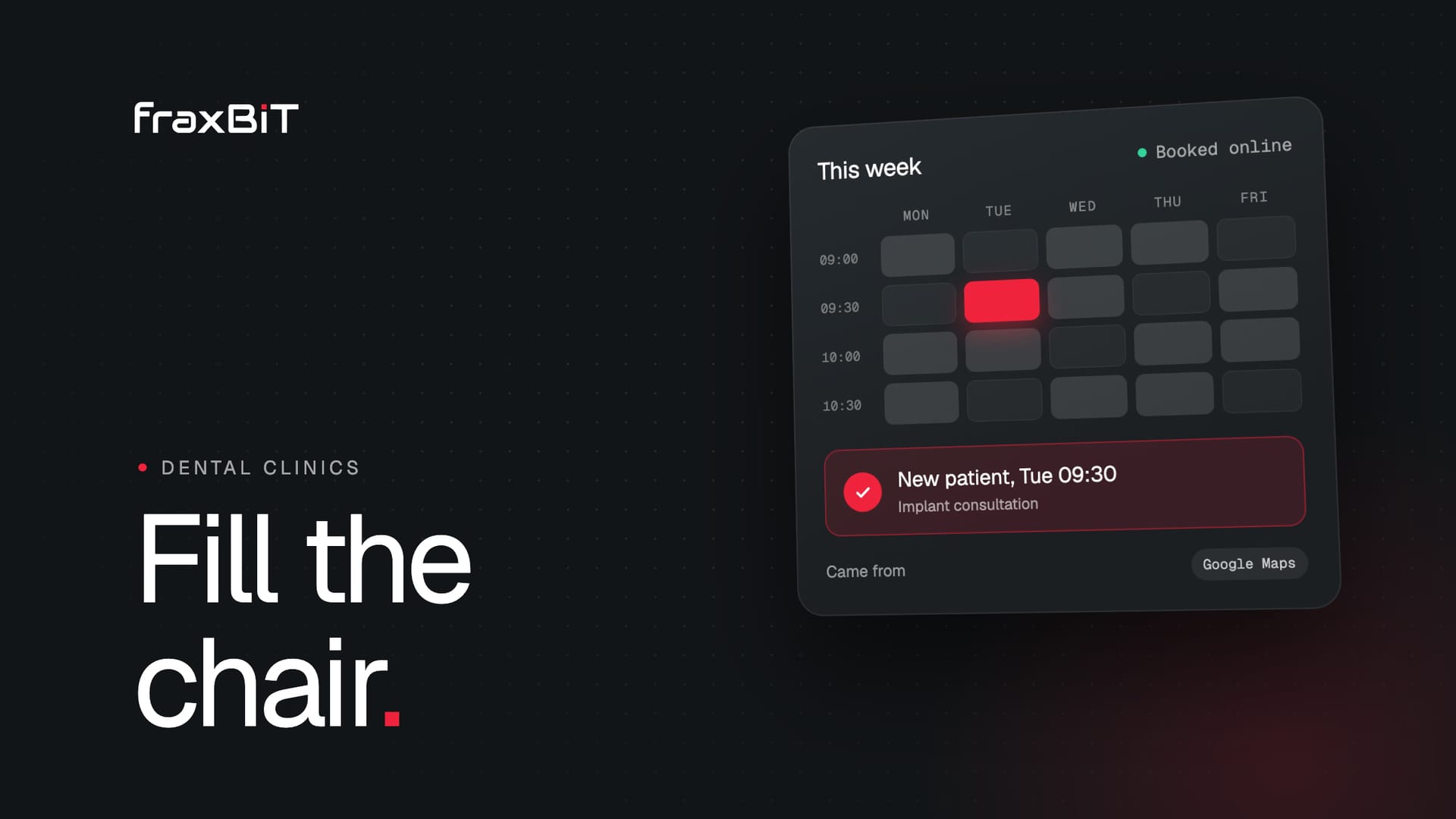
- Show real free slots. A patient who sees "Tuesday 09:30" can decide on the spot.
- Ask only what you need to book. Name, phone or email, treatment and time. Medical history belongs in your patient system, not in a website form.
- Separate new and existing patients, so the front desk knows who needs a longer first visit.
- Confirm at once, by email or text, with the address and how to prepare.
- Keep the phone visible for urgent cases, and make sure calls at lunch or after hours do not simply ring out.
This is exactly the setup we build for clinics: a custom clinic website with online booking, designed from scratch around your treatments.
5. Use Google Ads for the treatments that pay
A Business Profile and a good website bring patients over time. Google Ads put you at the top of the results today, for the searches you choose. For a dental clinic that usually means a few high-value treatments, such as implants or aligners, and urgent searches near the clinic.
A campaign that works for a clinic follows a few rules:
- Send each ad to the matching treatment page, never the home page. Google's Quality Score includes landing page experience, which it defines by how relevant and useful the page is to the people who click the ad. An implant ad that lands on an implant page with a price and a booking button wins on both counts.
- Target the area your patients come from. Location targeting shows the ads to people in, or interested in, the places you choose, so you do not pay for clicks from people who will never travel to you.
- Add a call button for opening hours. Call assets put a tap-to-call button on the ad, and they can be set to show only when someone can answer.
- Measure bookings, not clicks. Conversion tracking can count booked appointments and calls, so you see what each new patient cost and stop spending on searches that only bring clicks. In the EU, set it up with a consent banner that follows the rules, as explained in our cookie banner guide.
- Exclude searches that are not patients, such as dental jobs, courses or do-it-yourself fixes.
Start small, with one or two treatments, and add more once you can see the cost per booked patient.
6. Know where every new patient came from
Without measurement, every channel looks like it works and every budget is a guess. Two simple habits fix most of it.
Ask. Add "How did you hear about us?" to the booking or to the first visit form. It is not precise, but it catches word of mouth, which no tool can see.
Tag your links. UTM parameters are short tags added to a link that tell your analytics where a visit came from. Google describes five: utm_source (where the traffic comes from, such as google or a newsletter), utm_medium (the channel, such as cpc or email), utm_campaign (the campaign or promotion), utm_content (which link or creative, when there are several) and utm_term (the paid keyword). Tag every link you control: the website link on your Business Profile, links in emails, social posts and partner sites. A Business Profile link might end in ?utm_source=google&utm_medium=organic&utm_campaign=business-profile, so visits from Maps show up separately from ordinary search.
Once a month, count booked new patients per source and, for paid channels, what each one cost. That number, not the number of visits, tells you where to spend next month.
Mistakes that cost dental clinics patients
- Ads that land on the home page, where the patient has to search again for the treatment they clicked on.
- A single page for all your treatments, which ranks for nothing and answers no one's question.
- Booking hidden behind "Contact us", or a form that promises a call back.
- Stock photos of models instead of your own team and rooms.
- Wrong hours on Google, especially on holidays.
- Discounts in exchange for reviews, which break Google's rules and can cost you the reviews.
- A phone nobody answers at lunch or after hours, so a patient who was ready to book reaches voicemail and calls the next clinic.
Where to start
You do not need to fix everything at once. A sensible order:
- This week: complete your Google Business Profile, correct the hours, add the booking link and start asking every patient for a review.
- This month: put booking on the first screen and on every page, and write proper pages for your two or three most important treatments.
- Next: run Google Ads for one treatment with conversion tracking, tag your links, and review the cost per booked patient every month.
At fraxBIT we have designed and built websites from scratch for more than 7 years, including sites for clinics, labs and other health services. If your current site is holding the clinic back, we can design a new one around your treatments, with booking built in.
Sources
- 01Individuals: internet activities (isoc_ci_ac_i)Eurostat
- 02Tips to improve your local ranking on GoogleGoogle Business Profile Help
- 03Manage your local business linksGoogle Business Profile Help
- 04Prohibited and restricted content (Maps user-generated content policy)Google
- 05Directive (EU) 2019/2161 (Omnibus Directive on consumer protection)EUR-Lex
- 06About Quality Score for Search campaignsGoogle Ads Help
- 07About targeting geographic locationsGoogle Ads Help
- 08About call assetsGoogle Ads Help
- 09About conversion measurementGoogle Ads Help
- 10URL builders: Collect campaign data with custom URLsGoogle Analytics Help
 Furdui Alex-George