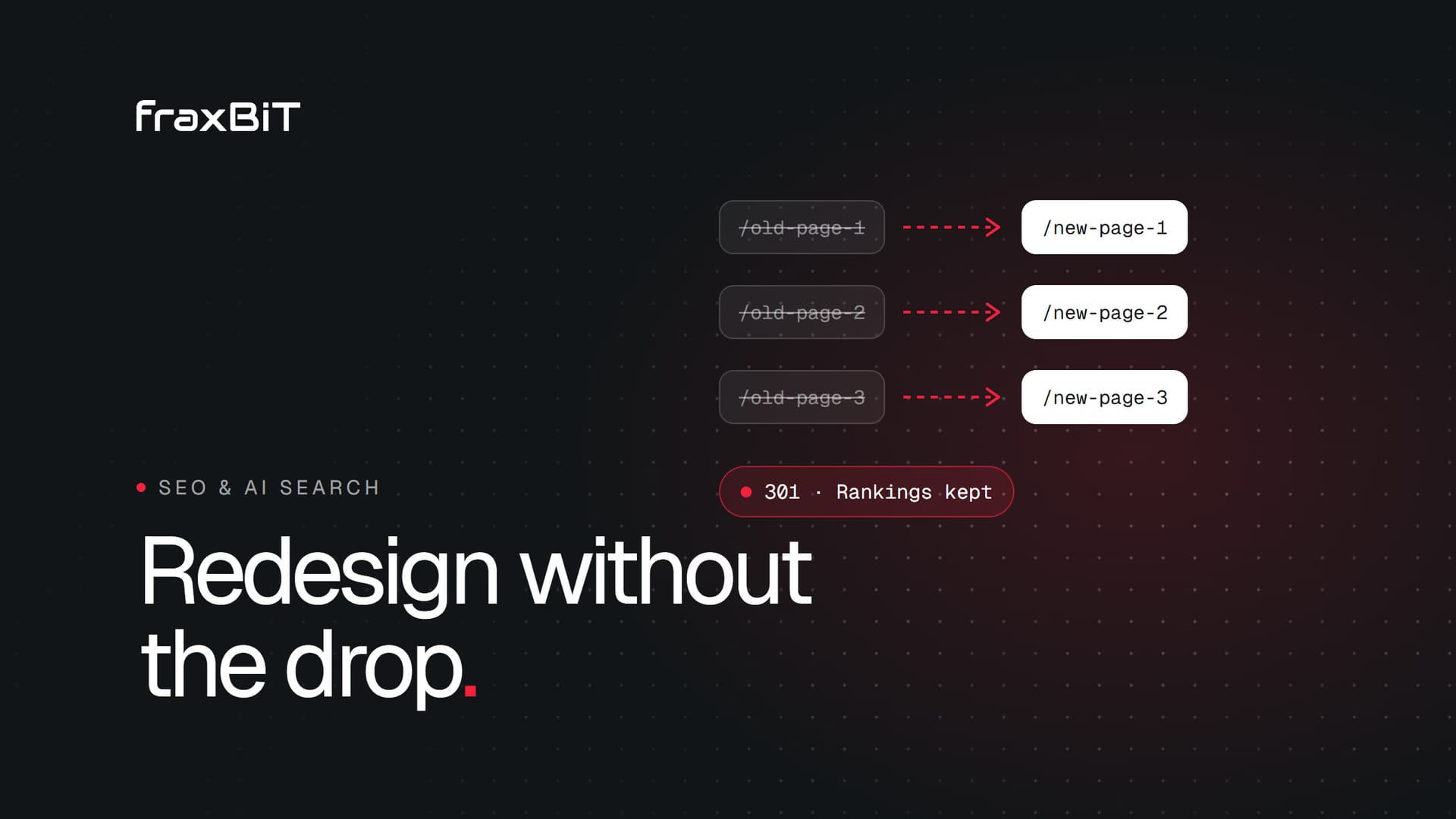
You can redesign or migrate a website without losing your Google rankings if you treat SEO as part of the project from day one, not as a launch-week task. The rule underneath everything is simple: every URL that has traffic or links today must still work tomorrow, either at the same address or through a 301 redirect to its closest new equivalent. Most ranking drops after a redesign come from breaking that rule, or from quietly removing the content Google was ranking.
This guide walks through what to do before, during and after a redesign, with a launch day checklist and the mistakes we see most often when sites come to us after a migration went wrong.
Why rankings drop after a redesign
Google ranks individual URLs, based on their content, their links and how users respond to them. A redesign can disturb all three at once:
- URLs change and the old ones return 404 errors, so the links and history attached to them are lost.
- Content changes. Copy gets shortened for a cleaner look, and the paragraphs that answered searchers' questions disappear.
- Technical signals change. Titles, meta descriptions, headings, canonical tags, structured data and internal links get rebuilt from scratch, often less carefully than the originals.
- The site gets blocked. A staging noindex tag or robots.txt rule goes live with the new site.
Some fluctuation for a few weeks after any big change is normal while Google recrawls and reprocesses the site. A sharp drop that does not recover is almost always one of the issues above.
Before the redesign: build your inventory
The work you do before design starts decides how the launch goes. You cannot protect what you have not measured.
Crawl and inventory every URL
Run a full crawl of the current site with a tool such as Screaming Frog or Sitebulb. Combine it with the URLs in your XML sitemap and the pages Google Search Console reports as indexed, because crawlers miss orphan pages that nothing links to. Put everything in one spreadsheet: URL, title, meta description, H1, status code, canonical and word count.
Export your Search Console data
Export the Performance report for at least the last 12 months, by page and by query. This shows which pages bring clicks and which queries each page ranks for. Search Console only keeps 16 months of data, so save it now. It is your baseline for comparison after launch.
Find pages with traffic and backlinks
Mark the URLs that matter most:
- Pages with organic clicks in Search Console
- Pages with external backlinks (from Search Console's Links report or a tool like Ahrefs or Semrush)
- Pages that convert: form submissions, calls, sales
- Pages that rank for valuable queries, even with low traffic today
These are your protected pages. Their URLs, core content and on-page SEO need special care through the whole project.
Benchmark speed and Core Web Vitals
Record Core Web Vitals from Search Console and run PageSpeed Insights on your main templates (home, service page, article, product). A redesign should make the site faster, and you want numbers to prove it.
During the redesign: protect what ranks
Keep URLs where you can
The safest redirect is the one you do not need. If your current URL structure is clean, keep it. Change URLs only when there is a real benefit, such as fixing a messy structure or consolidating thin pages.
Build a complete redirect map
When URLs must change, map every old URL to its new destination in a spreadsheet before launch. Rules:
- Use 301 (permanent) redirects, not 302s.
- Redirect to the most relevant new page, not to the home page. Mass redirects to the home page are often treated like 404s.
- Redirect directly to the final URL. Avoid chains like A to B to C.
- Cover variations: with and without trailing slashes, old parameters, HTTP and www versions.
- Only let a URL return 404 or 410 if the page had no traffic, no links and no replacement.
Keep the content that ranks
Design teams often want shorter pages. That is fine for pages that do not rank. For your protected pages, keep the substance of the copy, the headings that match search queries, and the title tags and meta descriptions that already perform. Improve them if you can, but do not delete what is working.
Carry over structured data and internal links
If the old site had Organization, LocalBusiness, Product, Article, FAQPage or breadcrumb markup, the new site needs it too, ideally better. Rebuild your internal linking deliberately: main navigation, footer, related content links and contextual links in body copy. Pages that lose their internal links lose visibility.
Keep staging out of Google
Build the new site on a staging environment protected by a password or at least a noindex tag, so Google never indexes a duplicate copy. Then write it on the launch checklist: remove the noindex and staging restrictions at launch. Forgetting this step is one of the most expensive mistakes in web development, and it happens more often than anyone admits.
Pick a sensible launch date
Avoid launching on a Friday, right before a holiday, or in your busiest sales season. Launch early in the week, when your team and your developers are available to fix whatever comes up in the first days.
Launch day checklist
Run through this list on the day, in this order:
| Check | What to verify |
|---|---|
| Redirects live | Test a sample of old URLs, including all protected pages. Each should return a single 301 to the right page. |
| Indexing allowed | No sitewide noindex meta tag or X-Robots-Tag header. robots.txt does not block the site. |
| robots.txt | Points to the new sitemap and blocks only what it should (admin areas, internal search). |
| XML sitemap | Lists only new, live, indexable URLs. Submitted in Google Search Console and Bing Webmaster Tools. |
| Canonical tags | Point to the live domain, not staging, and use the final URL format. |
| Titles and meta | Present and unique on every page, carried over or improved for protected pages. |
| Structured data | Valid in Google's Rich Results Test on key templates. |
| Analytics and tracking | Analytics, conversion events and Tag Manager firing correctly. Search Console verification still in place. |
| HTTPS | Every page loads securely, and HTTP versions redirect to HTTPS. |
| Forms and contact | Test every form end to end, so leads do not disappear on day one. |
If you changed domains, also use the Change of Address tool in Search Console after the redirects are live.
After launch: monitor and fix
The first four to six weeks after launch are when you catch problems while they are still small.
Watch Search Console daily at first
- Page indexing report. Look for spikes in "Not found (404)", "Excluded by noindex tag" or "Blocked by robots.txt".
- Crawl stats. Make sure Googlebot is crawling the new URLs and getting successful responses.
- Sitemaps. Confirm the new sitemap was processed and its URLs are being indexed.
Fix 404s and redirect chains
Crawl the old URL list again against the live site. Every old URL should resolve with one hop to a 200 page. Fix any 404s by adding redirects, and flatten any chains. Check server logs or a 404 report for URLs you missed, such as old campaign links or PDFs.
Compare rankings and traffic
Compare clicks and impressions per page against your pre-launch export, using the same days of the week. A small dip that recovers within a few weeks is normal. A page that loses most of its traffic and stays down usually has a specific cause: a missing redirect, changed content, a lost internal link or a wrong canonical. Fix the cause, and the page usually has a good chance to recover.
Keep the redirects
Leave your 301 redirects in place for the long term. Backlinks to old URLs keep pointing there for years, and removing the redirects throws that value away.
Common redesign mistakes that cost rankings
- No redirect map, or a lazy one that sends everything to the home page.
- The staging noindex goes live. The new site tells Google not to index it.
- Removing ranking content because the new design "needs less text".
- Changing every URL for cosmetic reasons, when the old structure was fine.
- Launching a JavaScript-heavy front end that hides content from crawlers until scripts run.
- Losing title tags and meta descriptions because the new CMS generated defaults.
- Dropping structured data, along with the rich results it earned.
- Breaking tracking, so you cannot even see the drop or measure the recovery.
- Launching on a Friday with nobody available to fix problems over the weekend.
- Combining a redesign, a domain change and a CMS switch in one release without extra care. Each one adds risk. If you must do them together, plan and test even more thoroughly.
How we handle redesigns at fraxBIT
When we take on a web design project for an existing site, the SEO inventory and redirect map are part of the project plan, not an add-on. We build new sites to be server-rendered and fast, carry over or improve the structured data, and monitor Search Console after launch with our growth team. You can see the kind of sites we build in our portfolio, across healthcare, legal, real estate and other industries.
Before you start your redesign
The best time to protect your rankings is before the first design mockup. Start by checking where your current site stands: our free website audit checks indexing, titles, canonical tags, sitemap, structured data and other technical basics in about a minute, so you know what to protect and what to fix.
If you are planning a redesign or migration and want a team that has done it many times, fraxBIT has delivered 240+ projects over 7+ years for clients in 22 countries. Tell us about your project, and we will help you plan a launch that keeps the rankings you have earned.
Keep reading

SEO & AI Search8 min read
How to get your business recommended by ChatGPT and AI search
AI assistants search the web live before they recommend a business. Here is how they choose sources and what makes your site easy to find, trust and cite.
Read article
Business8 min read
How much does a professional website cost? A 2027 guide
Website prices range from around a thousand euros to six figures. Here is what drives the cost, what each tier gets you and how to compare quotes with confidence.
Read article