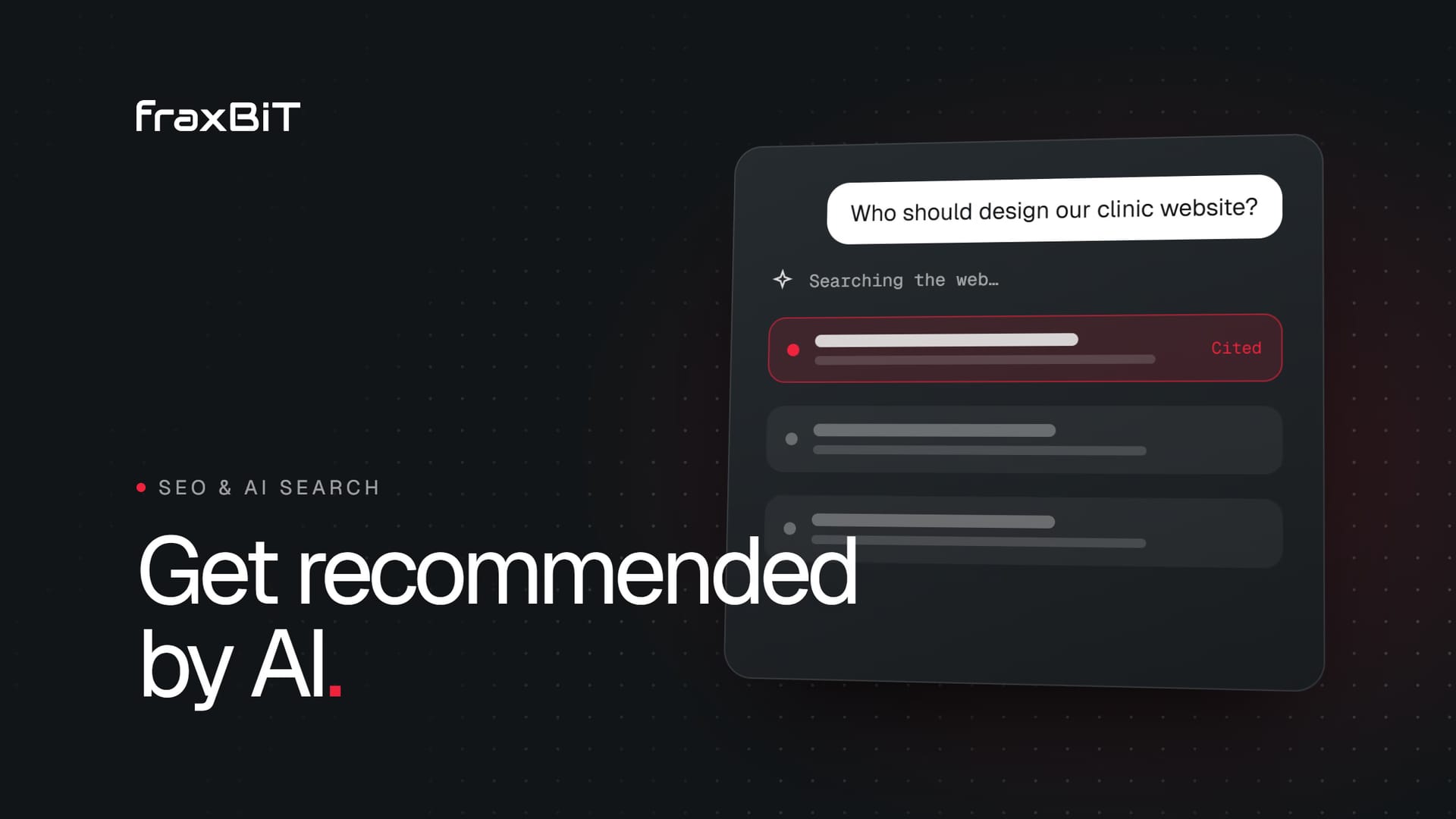
To get your business recommended by ChatGPT, Perplexity and Google AI Overviews, you need three things: AI crawlers must be able to reach and read your site, your pages must answer real questions clearly enough to be quoted, and your business identity must be consistent everywhere the assistants look. None of this is magic. It is mostly good technical SEO, sharpened for machines that read, summarize and cite.
This guide explains how AI assistants pick their sources, what makes a site citable, and gives you a checklist you can work through this week. One honest note before we start: nobody can guarantee that an assistant will recommend you. Anyone who promises that is selling something. What you can do is remove every reason for it not to.
How AI assistants find and choose sources
When someone asks ChatGPT "who designs websites for dental clinics in Austin?", the assistant does not rely only on what it learned during training. For questions about current businesses, products and services, the major assistants search the web live and then write an answer from the pages they retrieve.
That retrieval happens in two ways:
- Their own crawlers. OpenAI uses OAI-SearchBot for ChatGPT search, Perplexity uses PerplexityBot, and Anthropic uses Claude-SearchBot. Each also has a "user" agent (such as ChatGPT-User or Perplexity-User) that fetches a page when a person asks about it directly.
- Existing search indexes. Assistants also lean on established indexes. Bing's index has long supported ChatGPT's web results, and Google AI Overviews are built on Google's own index, crawled by the normal Googlebot.
So there is no separate "AI index" you submit to. If you rank and are indexed well in Google and Bing, and the AI crawlers are allowed in, you are in the pool of candidates. From there, the assistant picks pages that answer the question directly, look trustworthy, and agree with what other sources say about you.
Make sure AI crawlers can actually reach your site
This is the most common problem we find, and the easiest to fix. Many sites block AI crawlers without anyone deciding to.
Check your robots.txt
Your robots.txt file tells crawlers what they may visit. Some site templates and security plugins add blanket blocks for AI user agents. A setup that keeps you visible in AI search, while still opting out of model training if you prefer, looks like this:
# AI search and user-triggered fetches: allowed
User-agent: OAI-SearchBot
User-agent: ChatGPT-User
User-agent: PerplexityBot
User-agent: Claude-SearchBot
User-agent: Claude-User
Allow: /

# Model training crawlers: your choice
User-agent: GPTBot
User-agent: ClaudeBot
Disallow: /
Search crawlers and training crawlers are different bots. Blocking GPTBot keeps your content out of OpenAI's training data, but it does not remove you from ChatGPT search. Blocking OAI-SearchBot does. Make that choice deliberately.
Check your firewall and CDN
A clean robots.txt is not enough if your firewall turns the bots away first. Cloudflare, for example, offers a setting that blocks AI crawlers at the network level, and on some newer setups it is switched on by default. Other CDNs, hosting firewalls and "bot fight" modes can do the same. The crawler simply gets a challenge page or an error, and your robots.txt never matters.
Log into your CDN or hosting dashboard and look for anything labeled AI bots, AI scrapers or bot management. Allow the search crawlers you want.
Do not hide content behind JavaScript
Many AI crawlers do not run JavaScript the way a browser does. If your page text only appears after a script loads, the crawler may see an empty shell. Server-rendered or statically generated pages put the real text in the HTML from the first byte, which is why we build sites that way in our web development work.
Also check that you are not using nosnippet or very short max-snippet values on important pages. Google applies those controls to AI Overviews too, so they can stop your content from being quoted.
Use structured data to describe your business
Structured data (schema markup in JSON-LD) tells machines, in a format they do not have to guess at, who you are and what you offer. It does not guarantee a citation, but it removes ambiguity, and ambiguity is what makes an assistant pick a competitor it understands better.
The types that matter most for a service business:
| Schema type | What it tells machines | Where it goes |
|---|---|---|
| Organization or LocalBusiness | Name, logo, address, phone, social profiles, opening hours | Site-wide, usually in the layout |
| Service | What you offer, to whom, in which area | Each service page |
| FAQPage | Questions and their answers | Pages with a real FAQ section |
| BreadcrumbList | How pages relate to each other | Every page |
| Article | Author, publish date, last update | Blog posts and guides |
Keep the markup honest. Every fact in your schema should also be visible on the page, and it should match what you say elsewhere on the web. Use sameAs to link your Organization to your official profiles, so machines can connect the dots.
Make your business identity complete and consistent
Assistants cross-check. If your website says one address, your Google Business Profile says another and a directory lists a phone number you stopped using years ago, the model has to decide which source to trust. Often it decides to mention someone else.
Work through the places that describe you:
- Google Business Profile. Complete every field, choose accurate categories, add services and photos, and keep hours current.
- Bing Places. Often forgotten, and relevant because of Bing's role behind several assistants.
- Industry directories and review platforms. The ones your clients actually use, such as Clutch for agencies, Avvo for lawyers or Healthgrades for clinics.
- Social profiles. LinkedIn, Instagram and others, with the same name, description and website link.
Reviews matter here too. Assistants regularly pull sentiment from review platforms when someone asks for "the best" provider. You cannot fake this part. You can make it easy for happy clients to leave a review, and reply professionally to every one.
Write answer-first content that is easy to quote
AI assistants quote passages, not whole pages. The pages that get cited tend to answer a specific question in the first sentence or two, then add detail.
Lead with the answer
Compare two openings for a page about dental implant pricing. One starts with three paragraphs about the clinic's history. The other starts with "A single dental implant at our clinic typically includes the consultation, the implant, the abutment and the crown. Here is what affects the final cost." The second one is quotable. The first one is not.
Structure for scanning
- Use clear H2 and H3 headings phrased the way people ask. "How long does a website redesign take?" works better than "Timelines".
- Keep one idea per paragraph and put definitions in plain sentences.
- Use lists and tables for steps, comparisons and specifications. They are easy for both humans and machines to extract.
- Add an FAQ section to key service and industry pages, built from the questions your sales team actually hears. Mark it up with FAQPage schema.
Be specific
Generic copy like "we deliver quality solutions" gives an assistant nothing to repeat. Specific copy does: which services, for which industries, in which locations, with what process. Our industry pages, such as healthcare website design, are written this way for exactly that reason.
Keep content fresh and show who is behind it
Assistants prefer sources that look current and accountable, especially for anything involving money, health or legal matters.
Freshness. Review your key pages at least a few times a year. Update facts, add new questions you have heard from clients, and show a visible "last updated" date on guides. Keep the date in your Article schema and sitemap accurate. Changing a date without changing the content is not freshness, and it erodes trust.
Trust signals. Make it obvious that a real, reachable business stands behind the site:
- An About page with the company name, location, team and history
- Named authors on articles, with a short bio and relevant experience
- Contact details that are easy to find: email, phone, address where relevant
- Clear policies (privacy, terms) and a secure HTTPS connection
- Proof you can back up: portfolio work, case studies, reviews on independent platforms
What about llms.txt?
llms.txt is a plain text or Markdown file at the root of your site (yoursite.com/llms.txt) that gives AI systems a short, curated overview of your business and links to your most important pages. Think of it as a guided tour written for a machine.
Be clear about its status: it is an emerging, optional convention, not a standard. No major AI company has committed to reading it as a ranking or citation signal. It is cheap to add and does no harm, and some tools and agents do use it, but it will not fix a site that is blocked, slow or vague. Treat it as a finishing touch, after everything above is in place. Our own site, fraxbit.com, publishes one alongside full structured data, generated from the same content as the pages so it never goes out of date.
Your AI search optimization checklist
Work through this list in order. The first section has the biggest impact for the least effort.
Access
- robots.txt allows OAI-SearchBot, PerplexityBot, Claude-SearchBot and the user-triggered agents
- Your CDN or firewall does not block AI crawlers
- Important text is in the server-rendered HTML, not loaded by JavaScript
- No
nosnippetor restrictive snippet limits on key pages - The site is indexed in both Google Search Console and Bing Webmaster Tools
Identity
- Organization or LocalBusiness schema with name, logo, contact details and
sameAslinks - Google Business Profile and Bing Places complete and accurate
- Name, address and phone identical across your site, directories and profiles
- Active presence on the review platforms your clients use
Content
- Every key page answers its main question in the first two sentences
- Headings phrased as the questions people ask
- FAQ sections with FAQPage schema on service and industry pages
- Service schema on each service page
- Key pages reviewed and updated in the last few months
Trust
- About page with real people and a real location
- Named authors on articles
- Easy-to-find contact details
- Optional: an llms.txt file that summarizes your business and links to key pages
Where to start
You do not need to guess which of these your site already gets right. Our free website audit checks exactly these signals: whether AI search crawlers are allowed, whether your firewall lets them in, whether your content is visible without JavaScript, your structured data and business identity, FAQs, freshness, trust signals and llms.txt. It takes a minute and gives you a prioritized list of fixes.
If the audit turns up more than you want to handle in-house, that is the work our growth team does every day across SEO, AEO and GEO. fraxBIT has spent 7+ years building and growing sites for clients in 22 countries, and we are happy to talk it through. Get in touch and tell us where you want to show up.
Keep reading
SEO & AI Search7 min read
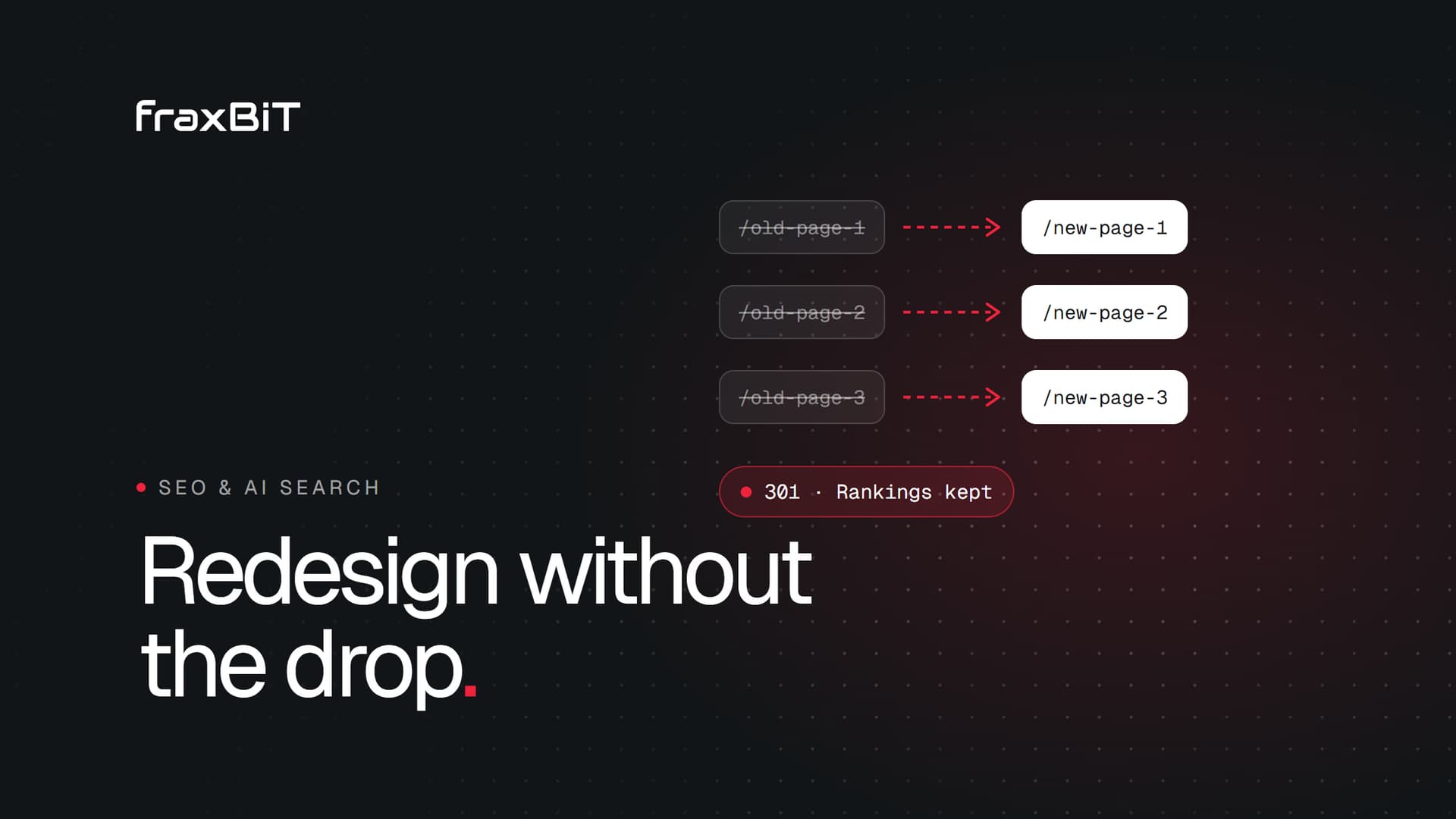
How to redesign your website without losing Google rankings
Most ranking drops after a redesign are avoidable. Here is what to do before, during and after launch to keep the traffic your site has earned.
Read article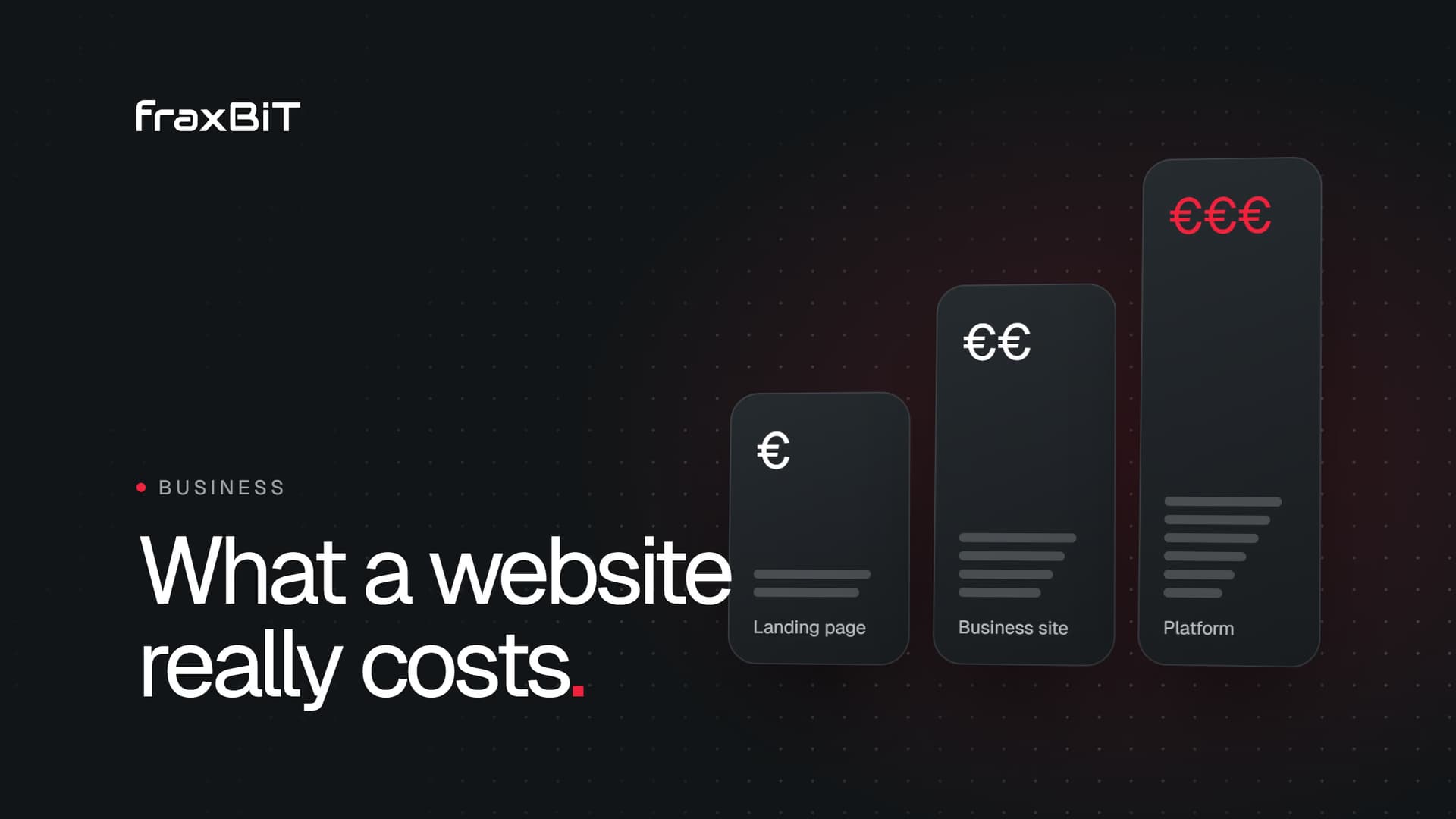
Business8 min read
How much does a professional website cost? A 2027 guide
Website prices range from around a thousand euros to six figures. Here is what drives the cost, what each tier gets you and how to compare quotes with confidence.
Read article