Since 28 June 2025, many businesses that sell to consumers in the EU have had a legal duty to make their websites and apps accessible to people with disabilities. That is the European Accessibility Act (EAA). If you run an online store, take bookings, sell tickets or offer banking services online, it very likely applies to you, and national authorities have started checking.
This guide explains who the EAA covers, what "accessible" means in practice, the exemptions, and how to bring an existing website up to standard without rebuilding everything.
What the European Accessibility Act is
The EAA is an EU directive (Directive (EU) 2019/882) that sets common accessibility requirements for a list of products and services. Every member state turned it into national law. In Romania, for example, that is Law 232/2022. The rules for services apply from 28 June 2025.
Its aim is simple: a person who is blind, has low vision, is deaf, has limited movement in their hands or has a cognitive disability should be able to buy, book and pay online like everyone else.
Which websites does it cover?
The EAA does not cover every website. It covers specific consumer services, and the websites and apps used to deliver them. The ones that matter most for businesses:
- E-commerce: any website or app that sells products or services to consumers online, including online shops, booking sites and subscription sign-ups.
- Consumer banking services, including online banking and payment flows.
- Passenger transport services: websites, apps, e-tickets and travel information for air, bus, rail and water transport.
- E-books and the software used to read them.
- Electronic communications services such as phone and messaging services.
- Access to audiovisual media services, such as streaming platforms.
The key word is consumer. If you sell only to other businesses, the EAA generally does not apply, although accessible design still makes commercial sense. If your site lets consumers buy or book anything, assume you are in scope until proven otherwise.
It applies outside the EU too
A company based in the UK, the US or elsewhere that sells to consumers in the EU must comply for those EU customers. The rule follows the customer, not the company's address.
The exemptions
There are three you should know:
- Microenterprises providing services are exempt. A microenterprise employs fewer than 10 people and has an annual turnover or balance sheet total of no more than €2 million. If you are that small and only provide services, the service obligations do not apply to you. The exemption does not cover products, and it does not stop you from losing customers who cannot use your site.
- Disproportionate burden. A business can claim that a specific requirement would impose a disproportionate burden or a fundamental change to the service. This needs a documented assessment, has to be reviewed regularly and must be reported to the authority on request. It is not a blanket opt-out.
- Transition periods. Service contracts agreed before 28 June 2025 can continue unchanged until they expire, for up to five years. Some products already in use to provide services can stay in use until 28 June 2030.
What "accessible" means in practice
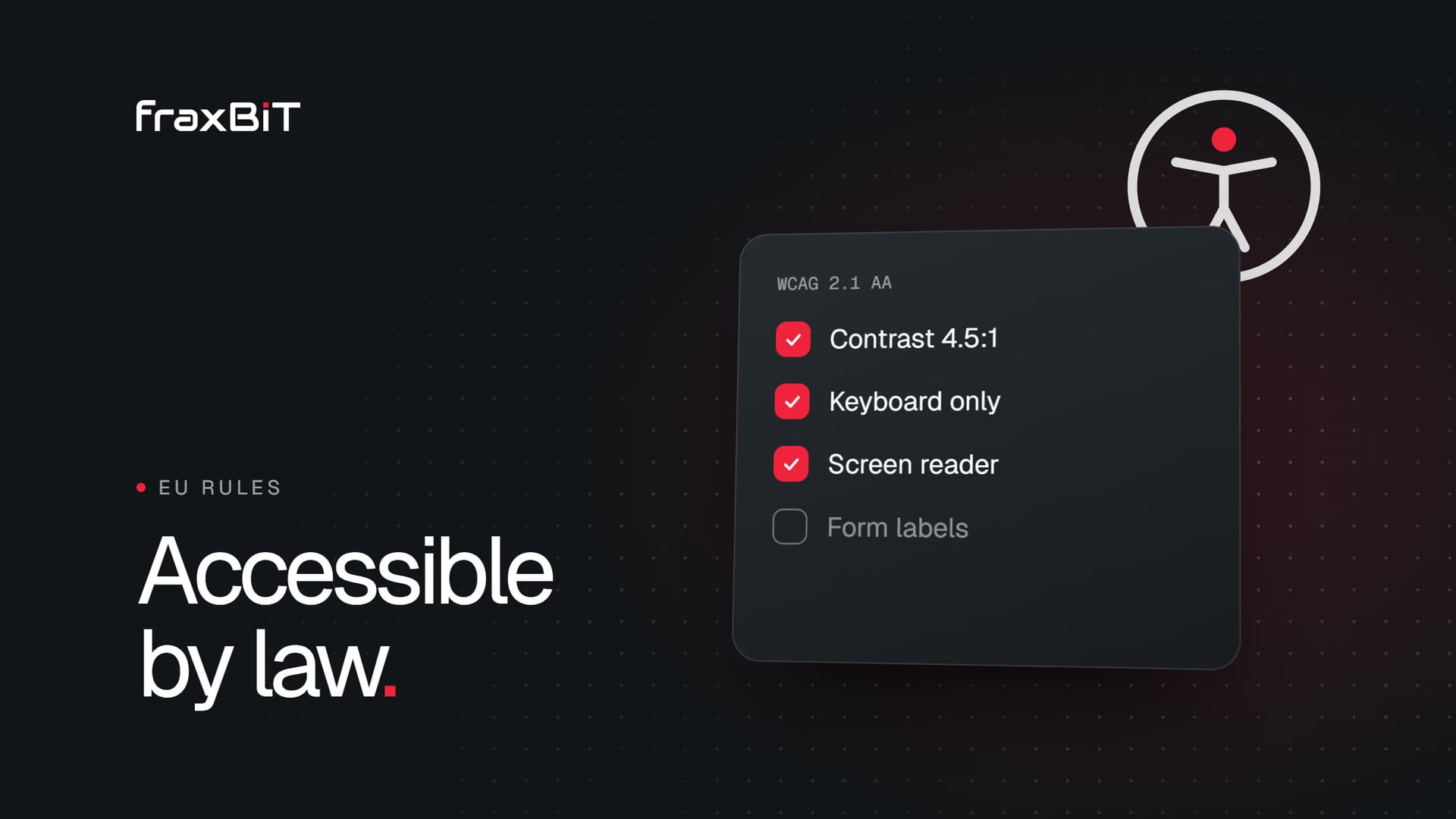
The EAA describes requirements in general terms: websites must be perceivable, operable, understandable and robust. The technical standard used to show compliance is EN 301 549, which in turn points to the Web Content Accessibility Guidelines (WCAG) 2.1 at level AA. If your site meets WCAG 2.1 AA, you are in a strong position.
In plain language, that means:
Everyone can see or hear the content
- Text has enough contrast against its background (at least 4.5:1 for normal text).
- Every meaningful image has alternative text. Decorative images are hidden from screen readers.
- Videos have captions, and audio has a transcript.
- Text can be enlarged to 200% without breaking the layout, and the page works when zoomed on a phone.
- Information is never given by colour alone, such as a red border as the only sign of a form error.
Everyone can use it
- The whole site works with a keyboard alone: menus, forms, sliders, pop-ups and checkout.
- A visible focus outline shows where the keyboard is.
- Nothing flashes more than three times per second.
- Moving content such as carousels can be paused.
- Touch targets are large enough to hit, and nothing depends on precise gestures.
Everyone can understand it
- The page language is set in the code, and headings follow a logical order.
- Form fields have visible labels, not just placeholder text.
- Errors explain what went wrong and how to fix it.
- Navigation is consistent from page to page.
It works with assistive technology
- The HTML is valid and uses real buttons, links and headings instead of styled boxes.
- Custom components (dropdowns, tabs, modals) expose their role and state to screen readers.
- Cookie banners, chat widgets and pop-ups are accessible too. These third-party parts are where many sites fail.
The accessibility statement
Service providers covered by the EAA must explain how their service meets the accessibility requirements. This information belongs in your general terms and conditions or an equivalent place, and in practice most businesses publish an accessibility statement page and link it from the footer. It should describe:
- The service and how it meets the requirements
- The standard you follow (for example WCAG 2.1 AA)
- Any known limitations and what you are doing about them
- How people can report a problem or ask for an alternative format
- The national authority responsible for enforcement
An honest statement that lists known gaps and a fix date is far better than a vague claim of full compliance.
Enforcement and penalties
Each country appoints market surveillance authorities that can check websites, act on complaints, demand fixes and impose penalties. Penalties are set nationally, so the amounts differ widely between member states. In most countries the first step after a finding is an order to fix the problem within a deadline, with fines if it is not done. Consumers and disability organisations can also complain directly.
There is also a commercial cost that applies everywhere: a checkout that cannot be used with a screen reader is a checkout that loses customers, and an inaccessible site tends to rank and convert worse because the same problems (unclear structure, unlabeled buttons, slow heavy pages) hurt everyone.
Watch out for accessibility overlays
You will see tools that promise "instant EAA compliance" with one line of JavaScript, usually a floating accessibility button. These overlays do not fix the underlying code, they can interfere with the screen readers disabled visitors already use, and they do not make an inaccessible site compliant. Fix the site itself.
How to bring an existing website up to standard
- Check whether you are in scope: do you sell or take bookings from consumers in the EU, and are you above the microenterprise threshold?
- Run an automated scan with tools such as Lighthouse, axe or WAVE. Automated tools catch only part of the problems, but they are a fast start.
- Test by hand: go through your key journeys (find a product, book, pay, contact) using only a keyboard, then with a screen reader such as NVDA or VoiceOver.
- Fix the templates first. Header, menu, product page, form and checkout templates repeat across the site, so one fix solves hundreds of pages.
- Check third-party parts: cookie banner, chat widget, booking tool, payment page. Ask vendors for their accessibility conformance report.
- Publish an accessibility statement with a way for people to report problems.
- Make it part of the process: every new page, campaign and feature gets checked before it goes live.
If your site is old and built on a heavy theme or page builder, retrofitting can cost more than a clean rebuild. That is worth comparing before you start. Our guide to redesigning without losing SEO covers how to do a rebuild safely.
How we handle accessibility
Every site we build targets WCAG 2.1 AA from the first design: contrast is checked in the design system, components are built on real HTML elements with keyboard support, and we test key journeys with a screen reader before launch. If you want to know where your current site stands, talk to us about an accessibility review, or run our free website audit for a quick look at speed and SEO.
Sources
- 01Directive (EU) 2019/882 (European Accessibility Act)EUR-Lex, Official Journal of the EU
- 02European Accessibility ActEuropean Commission
- 03Law no. 232/2022 on accessibility requirements for products and services (Romania)AccessibleEU, European Commission
- 04EN 301 549 V3.2.1: Accessibility requirements for ICT products and servicesETSI, CEN and CENELEC
- 05Web Content Accessibility Guidelines (WCAG) 2.1W3C
 Furdui Alex-George