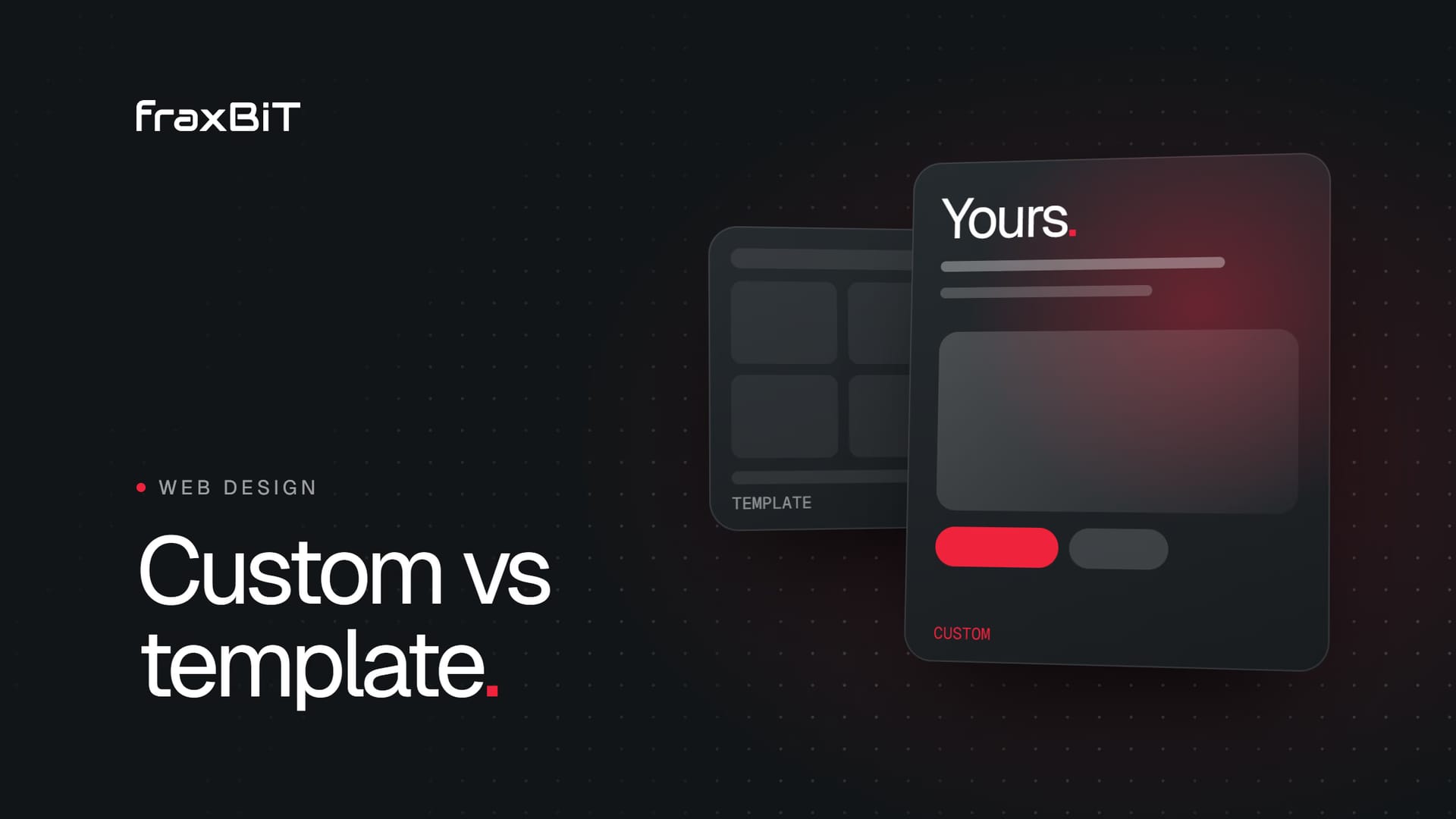
A template is enough when you need a simple, credible site quickly and your website is not the main way you win business. A custom website pays off when your site has to sell for you: when your brand needs to stand apart, when conversions, speed and SEO drive revenue, or when the site must connect to your other systems. Most growing businesses land somewhere in between, and the smartest choice is often a custom design on a proven CMS.
What we mean by "template" and "custom"
The words get used loosely, so it helps to be precise before comparing them.
A template website starts from a pre-made design that thousands of other businesses can buy or use. That includes WordPress themes, Wix and Squarespace templates, Webflow templates and Shopify themes. You swap in your logo, colors, text and photos, and the structure stays largely the same.
A custom website is designed from a blank page around your business: your audience, your offer, your content and your goals. It is then built to match that design, either from scratch in a modern framework like Next.js or React, or on a CMS such as WordPress or Shopify with custom code instead of a theme.
There is a lot of ground between the two:
- Template, lightly edited: fastest and cheapest, looks like the demo.
- Template, heavily customized: often the worst of both worlds, because you fight the theme at every step.
- Custom design on a CMS: unique design and structure, built on a platform your team already knows.
- Fully custom build: unique design and a bespoke codebase, for performance, complex features or deep integrations.
When a template is genuinely enough
Templates are not the enemy. For plenty of situations they are the right call, and a good studio will tell you so.
A template makes sense when:
- You are validating an idea. A new side business or a test offer needs a page live this week, not a polished brand.
- The website is a business card. Most of your work comes through referrals or long relationships, and people only visit to confirm you exist.
- Your budget is tight and the site is not a growth channel. Spending on a custom build before you have a clear return on it is premature.
- You have no content strategy yet. A custom site built around content you do not have will look empty. Sometimes the right move is to launch simply and learn what your customers ask about.
- Your team will maintain it alone. Platforms like Squarespace and Wix are easy to update without a developer.
If that describes you, pick a clean, fast template, keep the plugin list short, write clear copy and move on. You can always invest later.
When a custom website pays off
The case for custom gets stronger as your website becomes more central to how you make money. These are the areas where the difference shows up.
Brand and differentiation
Popular templates are used by thousands of sites, often in your own industry. A prospect comparing three firms may literally see the same layout three times. When you compete on trust, expertise or premium pricing, looking like everyone else works against you. A custom design lets the site express what makes you different, not just repeat what the theme demo suggested.
Conversion
Templates are designed to look good in a demo, not to convert your specific visitors. A custom site is planned around the decisions your buyers need to make: what they need to see first, which objections to answer, where proof belongs and how they get in touch. Every section has a job. That kind of conversion-focused web design is hard to retrofit into a theme built for a generic audience.
Speed and Core Web Vitals
Multipurpose themes ship code for every feature they might ever need: sliders, animations, mega menus, icon libraries and page builder frameworks. Your site loads most of it whether you use it or not. A custom build only includes what your pages actually use, which makes it much easier to pass Google's Core Web Vitals and feel instant on a phone.
SEO foundations
Ranking depends on content and authority, but the technical foundation matters too. Clean HTML, a logical heading structure, structured data, fast mobile performance and a site architecture built around the searches your customers make are all easier to control on a custom site. The same foundations help you get cited by AI assistants, which is a core part of our SEO, AEO and GEO growth work.
Scalability and integrations
A template handles a standard set of pages well. Problems start when you need something specific: a booking flow, a product configurator, a client portal, CRM syncing, multilingual content or a dashboard. Bolting these onto a theme through plugins tends to be fragile. A custom build treats them as part of the system from day one. Our web development work often starts exactly here, when a business has outgrown what plugins can safely do.
The hidden costs of templates
The price of a template looks low on day one. The real cost tends to arrive later, in ways that are easy to miss when you buy.
- Plugin sprawl. Each missing feature becomes another plugin. Each plugin adds code, updates and potential conflicts. Over time the site becomes slower and riskier to update.
- Bloat you pay for in speed. Themes and page builders load large amounts of CSS and JavaScript on every page. That weight shows up as slower load times and weaker mobile scores.
- Look-alike design. Your site can end up nearly identical to a competitor's, which undermines the trust you are trying to build.
- Fighting the theme. Changes that sound small, like moving a section or changing how a page is laid out, can require workarounds or custom code layered on top of the theme.
- Theme abandonment. If the theme author stops maintaining it, you inherit compatibility and security problems.
- The rebuild. The most expensive hidden cost. Many businesses outgrow a template within a few years and have to start again, paying for a second website and losing time they could have spent growing.
Custom website vs template: a side-by-side comparison
| Factor | Template | Custom website |
|---|---|---|
| Upfront cost | Low | Higher |
| Time to launch | Days to a couple of weeks | Typically several weeks |
| Design uniqueness | Shared with many other sites | Built around your brand |
| Conversion focus | Generic layouts | Planned around your buyers |
| Performance | Often heavy, depends on theme and plugins | Lean, only what the site needs |
| SEO control | Limited by the theme's structure | Full control of markup, speed and schema |
| Integrations | Plugins, sometimes fragile | Built in as part of the system |
| Long-term cost | Plugin upkeep, likely rebuild | Lower risk of a forced rebuild |
| Best for | New ideas, simple sites, tight budgets | Growth, premium brands, complex needs |
A decision checklist
Answer these honestly. If you tick most of the items in the second list, a custom website is likely the better investment.
A template is probably fine if:
- Your website generates little of your new business.
- You need to launch quickly to test an idea.
- You only need a few standard pages.
- You have no plans for complex features or integrations.
- Your budget is better spent elsewhere right now.
A custom website is probably worth it if:
- Your website is a primary source of leads or sales.
- You compete on trust, quality or premium pricing.
- You rely on organic search or want to show up in AI answers.
- Your current site is slow, especially on mobile.
- You need bookings, portals, calculators, CRM links or other integrations.
- You have already rebuilt once and do not want to do it again.
- You are in a regulated or high-trust sector, such as healthcare or law, where credibility is the product.
The middle ground: custom design on a CMS
You do not have to choose between a cheap template and a heavy bespoke platform. For many businesses the best option is a custom design built on a CMS they already know, such as WordPress or Shopify.
Here is how that works in practice:
- The site is designed from scratch around your brand, audience and conversion goals.
- It is built as a lean custom theme instead of a multipurpose one, so it only loads what it needs.
- Your team edits content in a familiar admin, with fields and blocks designed for your pages, so updates cannot break the layout.
- Plugins are limited to the few that are genuinely needed, which keeps the site fast and maintenance simple.
This gives you the uniqueness and performance of custom work with the editing comfort of a mainstream platform. When you need more, such as app-like features, heavy personalization or top-end performance, a fully custom build in Next.js or React with a headless CMS is the next step.
How to evaluate your current site
If you already have a template site and are wondering whether it is holding you back, look at a few signals before deciding anything:
- Speed on mobile. Run your key pages through Google PageSpeed Insights and look at the mobile results, not desktop.
- Search visibility. Check Google Search Console for the queries you appear for and whether your important pages are indexed.
- Lead quality and volume. Ask whether the site is producing enquiries or just sitting there.
- Editing pain. Notice how often simple changes need a developer or a workaround.
- Competitor comparison. Look at your site next to two or three competitors. Ask whether a stranger could tell you apart.
Our free website audit checks several of these for you, including SEO basics, mobile speed through Google PageSpeed and AI search readiness, so you have data rather than a hunch.
Choosing what is right for your business
A template is a sensible tool for simple sites, early ideas and tight budgets. A custom website earns its cost when your site is a real growth channel: when brand, conversion, speed, SEO and integrations directly affect revenue. For many growing businesses, a custom design on a familiar CMS gives the best balance.
At fraxBIT we design every site from scratch, without templates, and build on Next.js, React, WordPress or Shopify depending on what fits. Custom web design projects typically take 4 to 8 weeks. If you want to see what that looks like in practice, browse our portfolio. If you are unsure where your current site stands, start with the free audit, or get in touch and we will give you an honest recommendation, even if that recommendation is a template.
Keep reading
Web Design6 min read
How to choose a web design agency: questions to ask before you sign
The prettiest portfolio is not always the right partner. These are the questions to ask, the red flags to watch for and a simple way to compare proposals.
Read article
Web Design8 min read
What a healthcare clinic website needs to bring in new patients
Patients decide in seconds whether your clinic can help them. Here is what a healthcare website needs to answer their questions, earn trust and make booking easy.
Read article